1
SAM (School Account Management) System User Manual
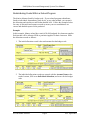
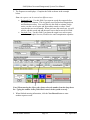
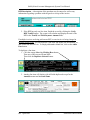
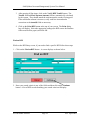
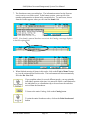
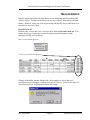
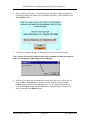
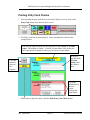
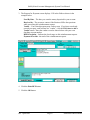
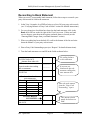
3. The Expense screen displays. Fill in the fields as shown below:
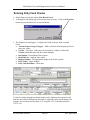
Account Name and Group: Select names from the drop-down boxes.
Category: You MUST enter “Storehouse”.
Storehouse Order #: A drop-down box will display listing your USED storehouse
order numbers. Add 1 to the last number used (at the bottom of the list) and type the
new number in the field
Vendor: Select “Storehouse”.
Budget Codes: enter the budget code the order will be charged to. Remember, only
one budget code can be entered for the entire order.
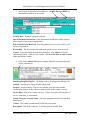
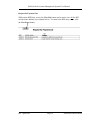
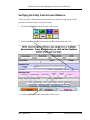
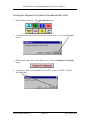
5. Click on the Switch to Storehouse button at the bottom of your screen.
Rev. April 2005
Page 21
Saint Paul Public Schools