1
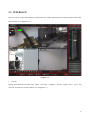
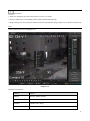
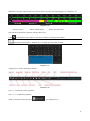
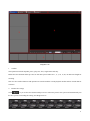
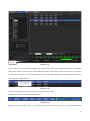
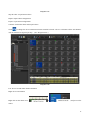
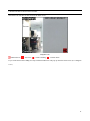
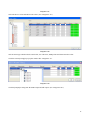
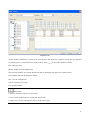
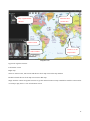
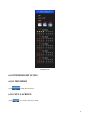
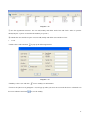
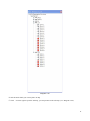
different record types in that period). You also can choose any time period by dragging, see “Diagram 6-10”.
Diagram 6-10
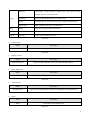
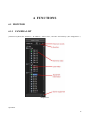
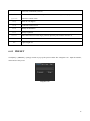
Green: General
Yellow: Motion Detect
Purple: External Alarm
Select the hour and minute separately and play that record.
Click
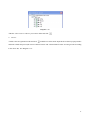
to synchronize four windows’ record time with the selected specific window
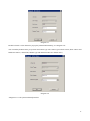
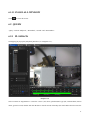
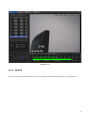
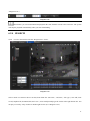
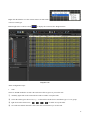
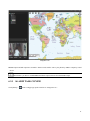
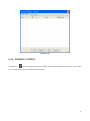
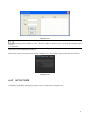
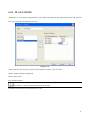
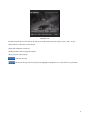
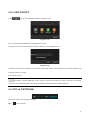
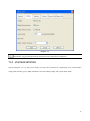
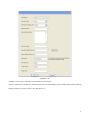
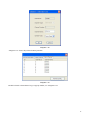
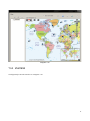
Introduction: the prompt as “Diagram 6-11” will pop up as the search is failed.
Diagram 6-11
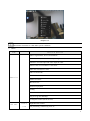
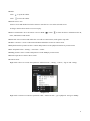
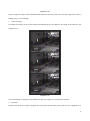
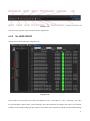
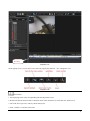
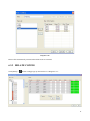
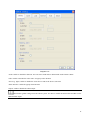
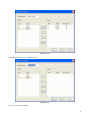
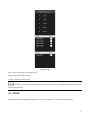
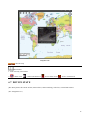
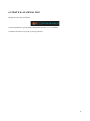
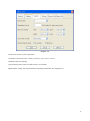
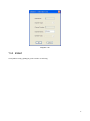
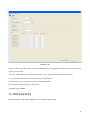
“Diagram 6-12” shows the playback toolbar
Diagram 6-12
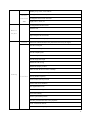
fast: 2, 3, 4, MAX times faster playback
slow: -2, -3, -4, MIN slow playback
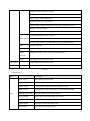
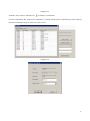
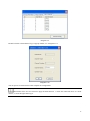
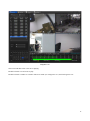
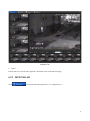
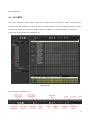
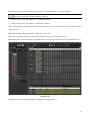
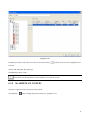
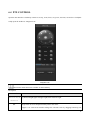
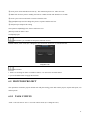
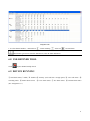
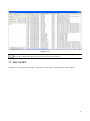
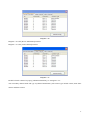
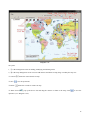
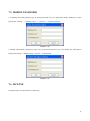
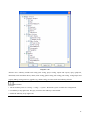
All the searched record results list in
, see “Diagram 6-13”.
28