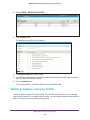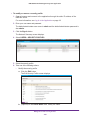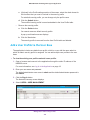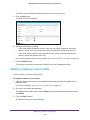
1
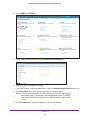
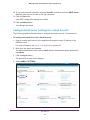
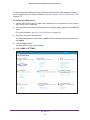
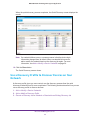
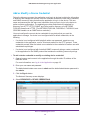
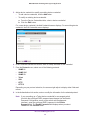
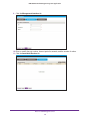
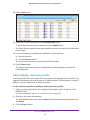
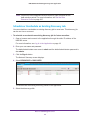
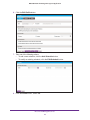
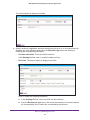
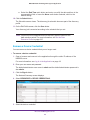
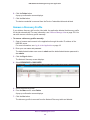
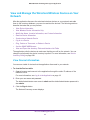
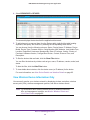
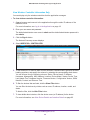
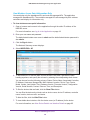
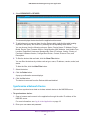
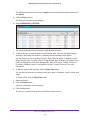
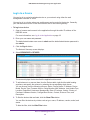
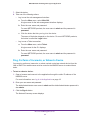
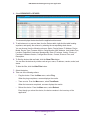
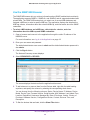
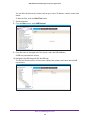
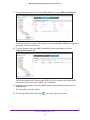
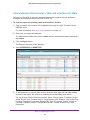
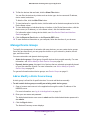
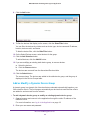
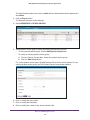
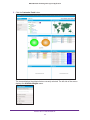
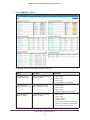
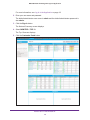
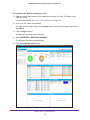
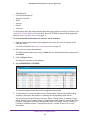
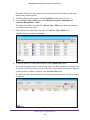
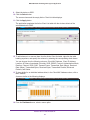
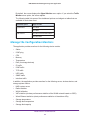
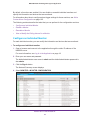
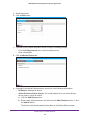
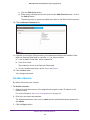
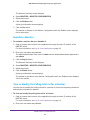
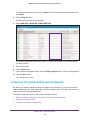
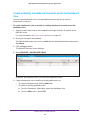
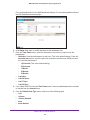
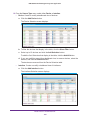
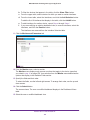
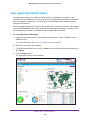
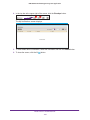
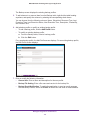
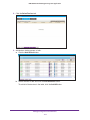
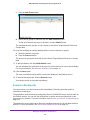
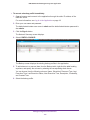
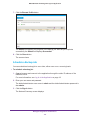
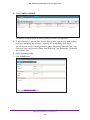
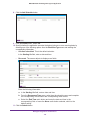
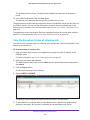
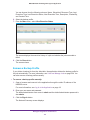
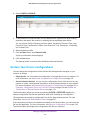
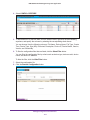
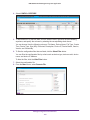
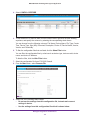
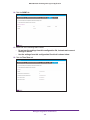
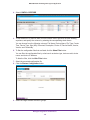
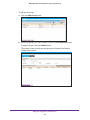
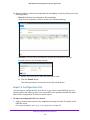
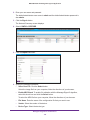
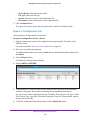
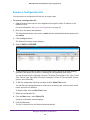
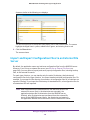
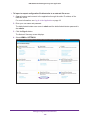
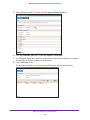
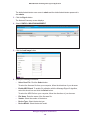
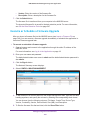
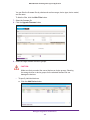
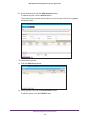
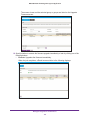
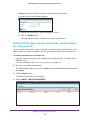
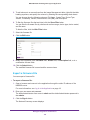
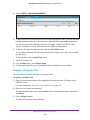
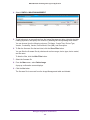
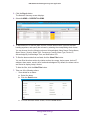
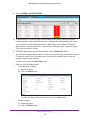
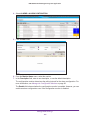
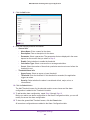
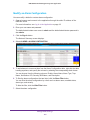
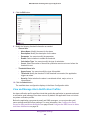
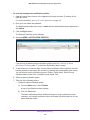
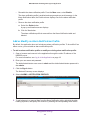
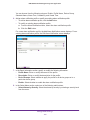
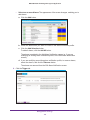
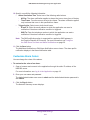
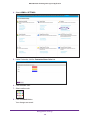
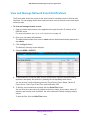
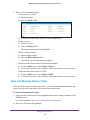
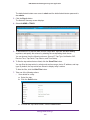
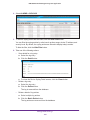
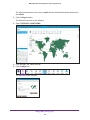
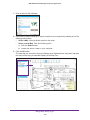
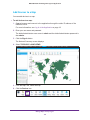
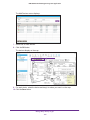
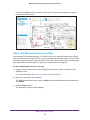
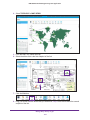
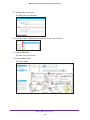
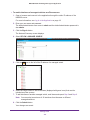
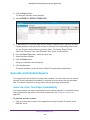
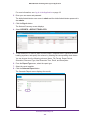
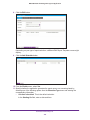
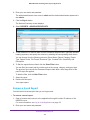
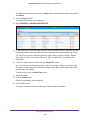
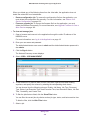
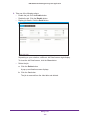
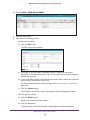
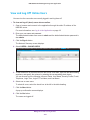
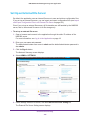
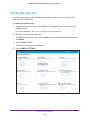
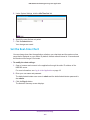
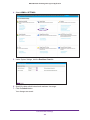
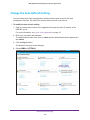
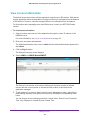
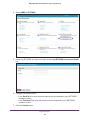
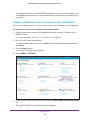
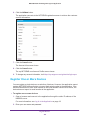
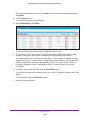
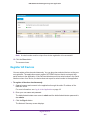
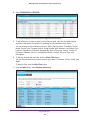
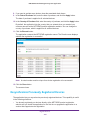
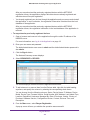
NMS300 Network Management System Application Use the SNMP MIB Browser The SNMP MIB browser lets you retrieve information about SNMP-enabled devices directly. The application supports SNMPv1, SNMPv2c, and SNMPv3 and all supported standard and private MIBs. The SNMP MIB browser lets you select one of several MIB databases and navigate a MIB tree to select a specific MIB trap. The application displays the data that the MIB trap collects, information about the selected MIB trap, and information about the SNMP credentials. To select a MIB database and a MIB trap, collect data for a device, and view information about the MIB trap and SNMP credentials: 1. Open a browser and connect to the application through the static IP address of the NMS300 server. For more information, see Log In to the Application on page 18. 2. Enter your user name and password. The default administrator user name is admin and the default administrator password is also admin. 3. Click the Sign In button. The Network Summary screen displays. 4. Select RESOURCES > DEVICES. The screen displays the devices that the application discovered. 5. To add columns to or remove them from the Devices table, right-click the table heading anywhere, and specify the columns by selecting the corresponding check boxes. You can choose from the following columns: Status, Device Name, IP Address, Device Model, Device Type, Firmware Version, Serial Number, MAC Address, Last Update Time, Location, Registered, Hostname, Managed By, Date of Purchase, Vendor, Country of Purchase, Hardware Version, Configuration Version, Contact, Discover Time, and Description. 6. To filter the devices that are listed, click the Show Filter button. Discover and Manage Resources 59