1
NMS300 Network Management System Application
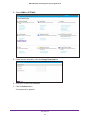
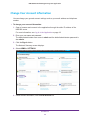
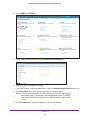
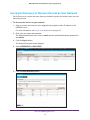
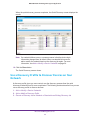
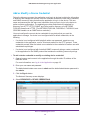
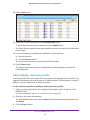
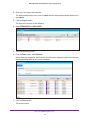
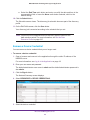
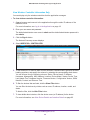
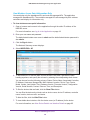
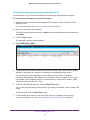
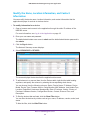
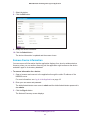
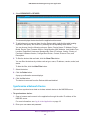
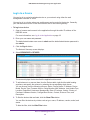
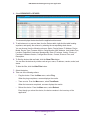
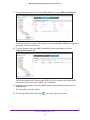
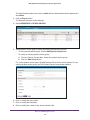
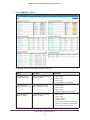
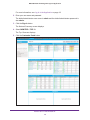
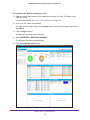
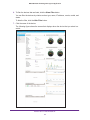
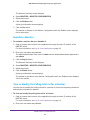
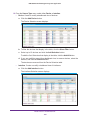
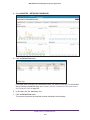
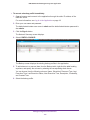
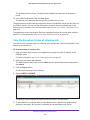
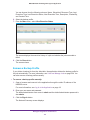
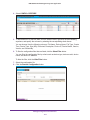
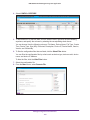
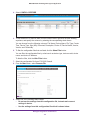
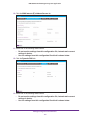
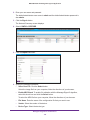
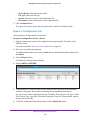
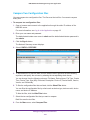
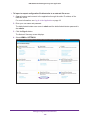
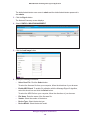
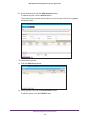
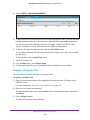
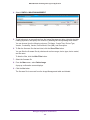
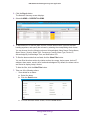
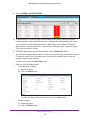
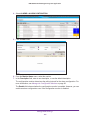
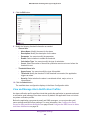
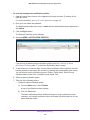
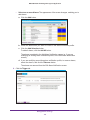
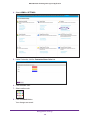
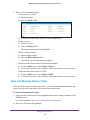
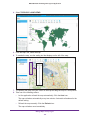
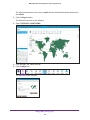
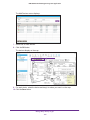
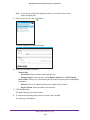
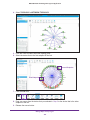
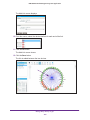
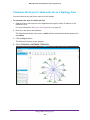
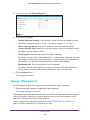
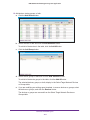
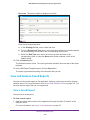
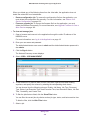
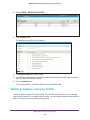
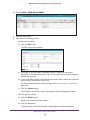
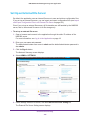
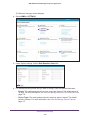
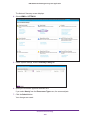
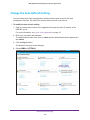
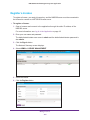
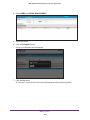
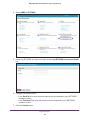
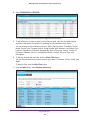
4. Select ALARMS > SYSLOGS.
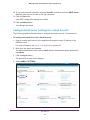
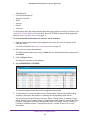
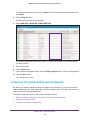
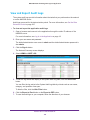
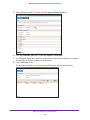
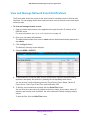
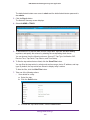
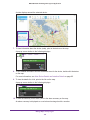
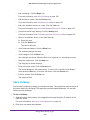
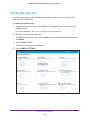
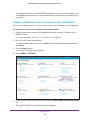
5. To filter the syslog entries that are listed, click the Show Filter button.
You can filter the syslog entries by criteria such as time range, device IP address, and
severity level. By default, the syslog entries are filtered to display today’s entries.
To hide the filter, click the Hide Filter button.
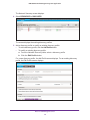
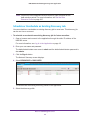
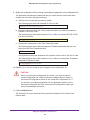
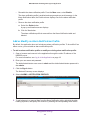
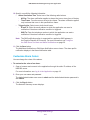
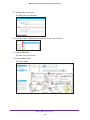
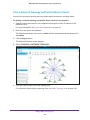
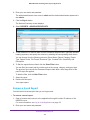
6. Take one of the following actions:
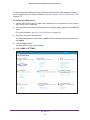
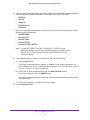
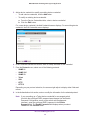
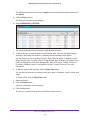
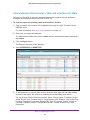
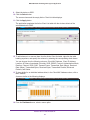
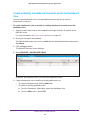
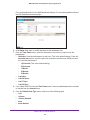
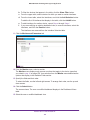
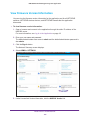
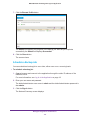
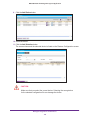
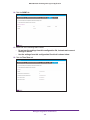
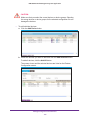
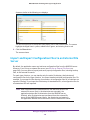
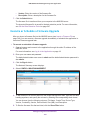
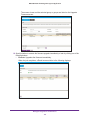
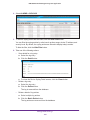
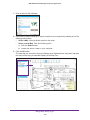
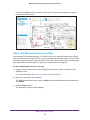
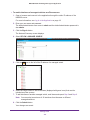
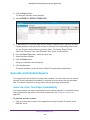
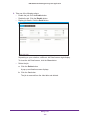
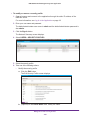
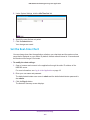
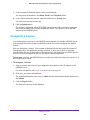
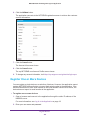
• View details for a log entry:
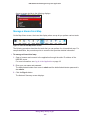
a. Select the log entry.
b. Click the Detail button.
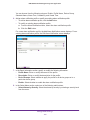
•
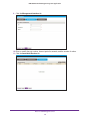
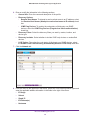
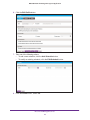
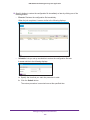
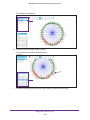
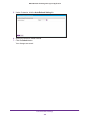
c. To close the Device Syslog Detail screen, click the Close button.
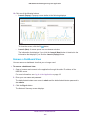
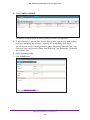
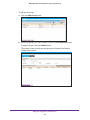
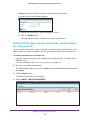
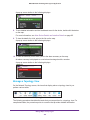
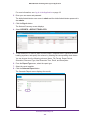
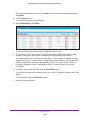
Delete a log entry:
a. Select the log entry.
b. Click the Delete button.
The log is removed from the database.
•
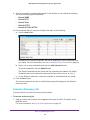
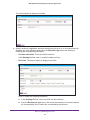
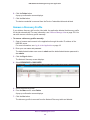
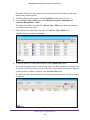
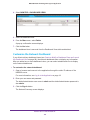
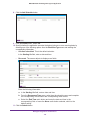
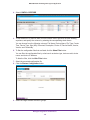
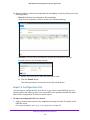
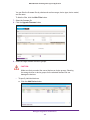
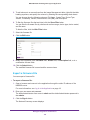
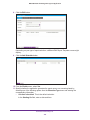
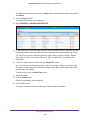
Delete a batch of log entries:
a. Select multiple log entries.
b. Click the Batch Delete button.
The log entries are removed from the database.
Manage Alarms and Logs
180