1
6.2
LAN Configuration
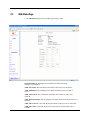
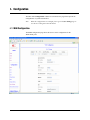
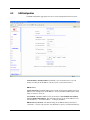
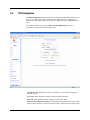
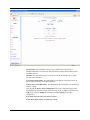
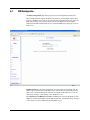
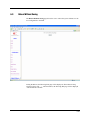
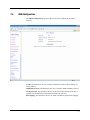
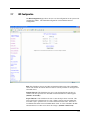
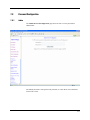
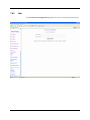
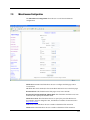
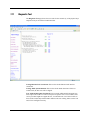
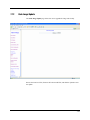
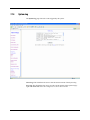
The LAN configuration page allows the user to set the configuration for the LAN port.
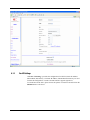
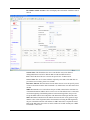
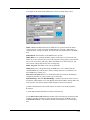
LAN IP Address & Subnet Mask: The default is 10.0.0.2 and 255.0.0.0. User can
change it to other private IP address, such as 192.168.1.2, and 255.255.255.0.
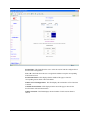
DHCP Server
System Allocated: The DHCP address pool is based on LAN port IP address plus 12 IP
addresses. For example, the LAN IP address is 10.0.0.2; the DHCP address pool is at the
range of 10.0.0.3 to 10.0.0.14.
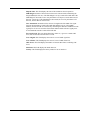
User Defined: The DHCP address pool is at the range of User Defined Start Address
and User Defined End Address. The maximum pool size can be 253 IP addresses: 255
total IP addresses – 1 broadcast address – 1 LAN port IP address.
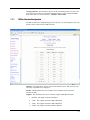
DHCP Gateway Selection: The default setting for the DHCP Gateway Selection is
“Automatic”. The user can select the “User Defined” to specify “User Defined Gateway
6-6