1
8. PREPARE BID
A) ADD
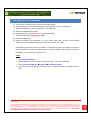
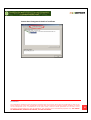
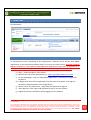
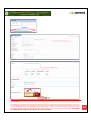
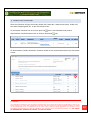
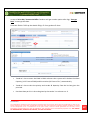
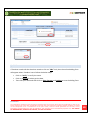
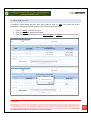
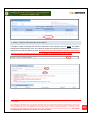
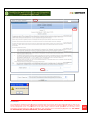
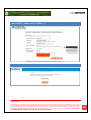
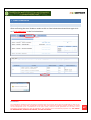
After that Prepare Bid tab will appear automatically, where you’ll find the online bidding forms
like “Technical forms, Price Schedule etc”, and then needs to click on Add link to fill up the
form.
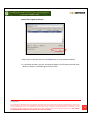
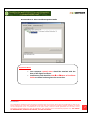
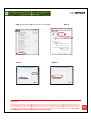
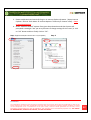
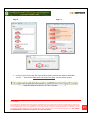
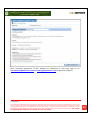
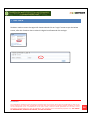
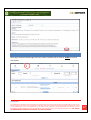
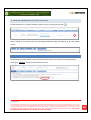
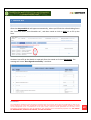
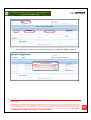
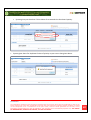
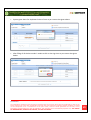
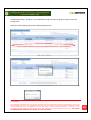
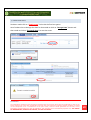
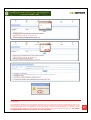
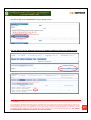
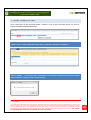
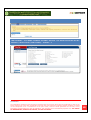
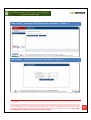
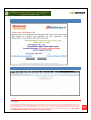
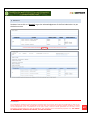
Tenderer has to fill up the details as required. After that needs to click on Sign button. The
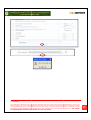
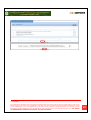
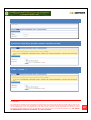
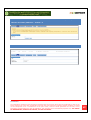
message will come “Data Signed successfully”. And Save.
Confidential
The information contained in this document represents the current views of ETL and are proprietary to ETL on the
issues discussed as of the date of publication. Because ETL must respond to changing market conditions, it should
not be interpreted to be a commitment on the part of ETL, and ETL cannot guarantee the accuracy of any
information presented after the date of publication. This document is for informational purposes only. ETL MAKES
NO WARRANTIES, EXPRESS OR IMPLIED, IN THIS DOCUMENT
20