1
3: Server Configuration and Management
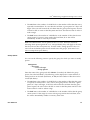
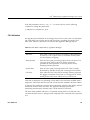
New Password
Sets the password for the username.
Confirm New
Password
Confirms the password for the username.
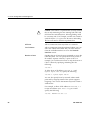
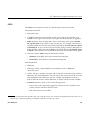
Note: When performing a full filesystem backup (as opposed to an incremental
backup), the quota and mkfs information will be backed up into a tar file in the root
directory of the backup. The file will be named:
.volume_info_date
For example, the following file was backed up on August 6th 2007 at 2:45 PM:
.volume_info_200708061445
This file will be placed in the root directory of the filesystem if it is restored.
However, the quotas and mkfs options will not be applied on restoration; the
administrator may choose to apply them if desired.
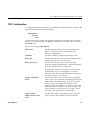
SNMP Configuration
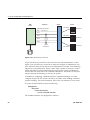
Appliance Manager lets you configure basic SNMP monitoring support on your
storage server. In order to query the SNMP service and receive SNMP traps, you will
require an external management station with appropriately configured monitoring
software.
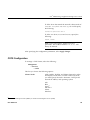
To configure the SNMP service, select the following:
Management
> Services
> SNMP
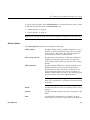
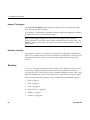
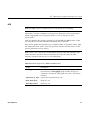
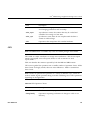
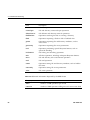
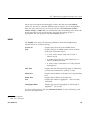
The SNMP screen lets you configure the following parameters:
62
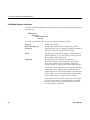
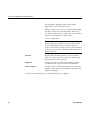
Enable SNMP
Enables or disables the SNMP service.
Allow SNMP access
from
Specifies the IP address of the Network Monitoring
Station (NMS) or the network segment that is allowed
to access the SNMP service.
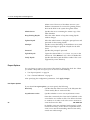
Trap destination
Specifies the IP address of your NMS for receiving
default SNMP traps and RAID hardware traps for
supported storage subsystems.
007–4699–010