1
PLAYBACK
•
appears in place of the image when the date
contains data that cannot be displayed by this
camera.
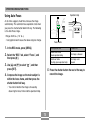
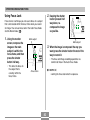
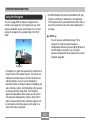
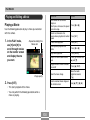
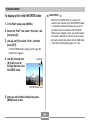
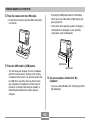
Playing a Slideshow
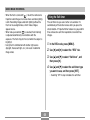
A slideshow automatically plays back images in sequence
at a fixed interval.
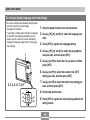
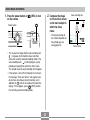
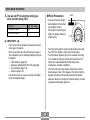
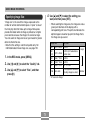
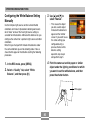
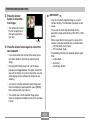
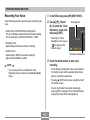
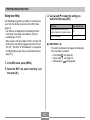
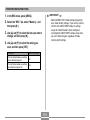
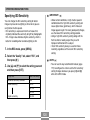
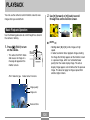
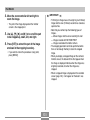
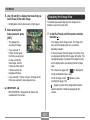
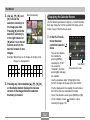
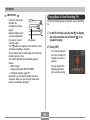
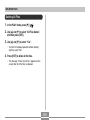
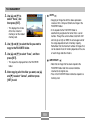
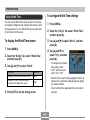
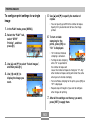
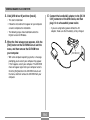
2. Use [왖], [왔], [왗], and [왘] to move the
selection boundary to the date you want, and
then press [SET].
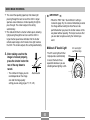
• This displays an image of the first file that was
recorded on the selected date.
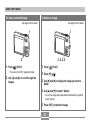
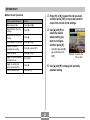
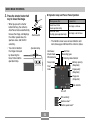
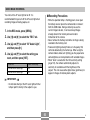
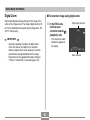
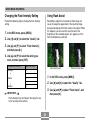
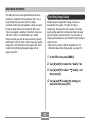
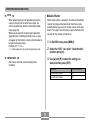
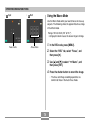
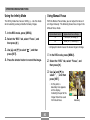
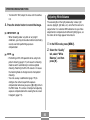
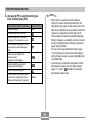
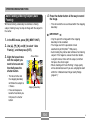
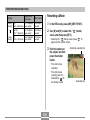
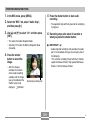
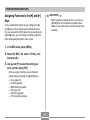
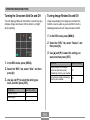
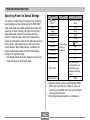
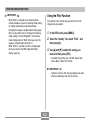
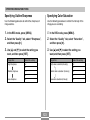
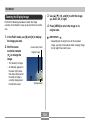
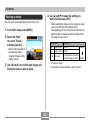
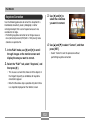
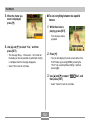
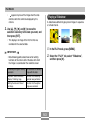
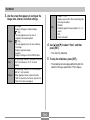
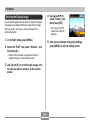
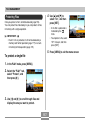
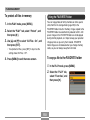
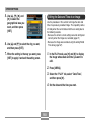
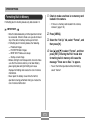
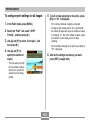
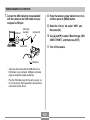
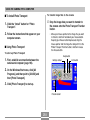
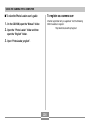
1. In the PLAY mode, press [MENU].
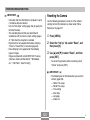
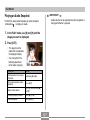
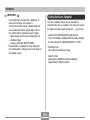
IMPORTANT!
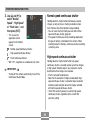
2. Select the “PLAY” tab, select “Slideshow”,
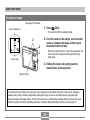
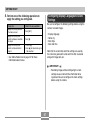
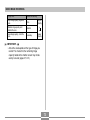
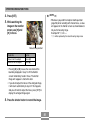
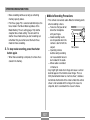
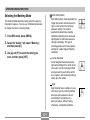
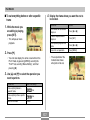
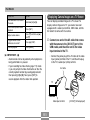
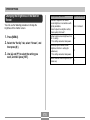
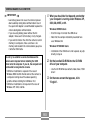
• Note following points about how certain editing
functions of the camera affect the date with which
the image is associated on the calendar screen.
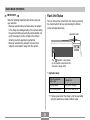
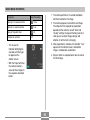
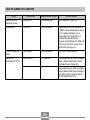
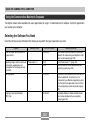
Performing this type of editing
operation:
Will associate the resulting
image with this date:
Keystone, Color Correction,
Resize, Trimming, Copy
The date that the editing
operation was performed
Editing the date and time of
an image
The date that the original
image was recorded
and then press [왘].
143