1
OTP/57V - Starter Kit - First Steps
2.6
Power-up eSOM/2586 with RCM enabled
The eSOM/2586 boot sequence with RCM enabled is similar to the boot procedure with
RCM disabled. Only some details are different:
1. Directly after power-up, the eSOM/2586 runs the AMI BIOS and initializes the
hardware components. With RCM enabled, the BIOS show some messages over the
eSOM/2586 COM1 serial port.
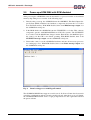
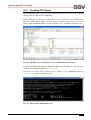
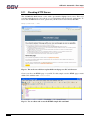
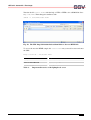
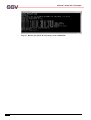
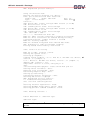
Fig. 9:
The AMI BIOS message direct after power-up
2. If the BIOS finish, the eSOM/2586 runs the SYSLINUX boot loader. SYSLINUX
loads the MAX-Linux image form the Flash disk to the RAM and gives the control
over the CPU to the Linux operating. With RCM enabled, SYSLINUX show some
messages over the eSOM/2586 COM1 serial port.
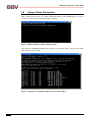
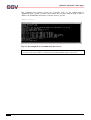
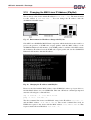
Fig. 10: After the Linux booting process is a login prompt available
10
Manual Revision 1.2