1
QUICK SETUP
1. Quick Setup
This section briefly describes how to install your KVM extender system. Unless you are an
experienced user, we recommend that you follow the full procedures described in the rest of
this manual.
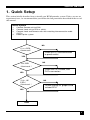
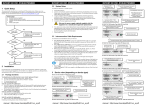
Install system
1.
2.
3.
4.
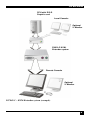
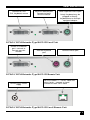
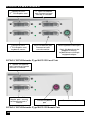
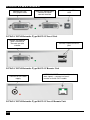
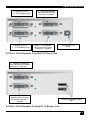
Connect Remote unit to KVM.
Connect Local unit to CPU or switch.
Connect Local and Remote units with matching interconnection cable
(CATx).
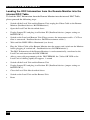
Power up the system.
NO
Power LED
illuminated?
YES
Link LED
illuminated ?
Check p.s.u.’s and connection
to power outlet
NO
Check the CATx cable, and
CATx connectors
YES
Video OK
LED ?
illuminated ?
NO
Check settings of graphic card
or boot CPU
YES
Done
7