1
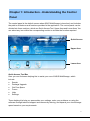
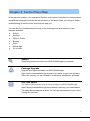
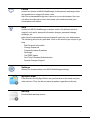
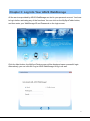
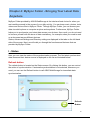
Chapter 1: Introduction - Understanding the Control Panel The control panel is the default screen when ASUS WebStorage is launched, and includes the path to all features and functions provided in the application. The control panel can be divided into three sections, which are Quick Access Tool, Upper Area and Lower Area. You can select any icon within the corresponding section to activate the function required. Quick Access Tool Bar Upper Area Lower Area Quick Access Tool Bar Here you can find some helping kits to assist your use of ASUS WebStorage, which include: Search Package Upgrade Get Free Space Forum Help Settings These helping kits help you personalize your settings, solve your problems on using the software through technical support and community sharing, and expand your cloud storage space based on your requirements. 4