1
Configuring the Encoder Using RSNetWorx for DeviceNet
4-3
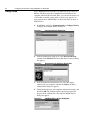
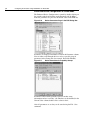
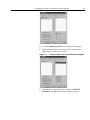
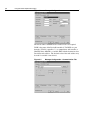
5. Type a name (if desired), and then click OK. The Configure
Drivers dialog box reappears, and the new driver is in the
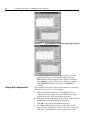
Configured Drivers List
Figure 4.4
Driver
Configure Drivers Dialog Box with a DeviceNet
6. Click Close to close the dialog box. Leave RSLinx running.
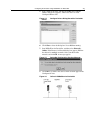
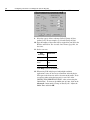
7. Start RSNetWorx for DeviceNet, and then select Network >
Online. If the Browse for Network dialog box appears, RSLinx
has drivers for multiple networks. Select your DeviceNet
network, and click OK. A message appears.
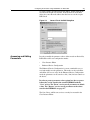
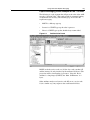
Figure 4.5
DeviceNet Configuration Services Message
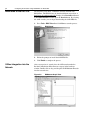
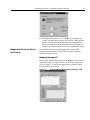
8. Click OK to go online. The devices in the network appear in the
Configuration view.
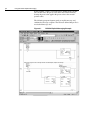
Figure 4.6
Online in RSNetWorx for DeviceNet