1
YOUR SCHEDULE
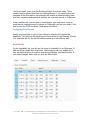
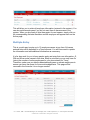
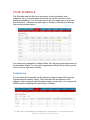
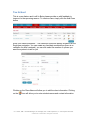
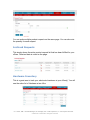
The Schedule area will allow your employees to see their weekly work
schedules. All of your employees can access this tab and view the current
published schedule(s). You no longer have to call your employees to give them
this information. Schedule now can begin on Sunday or Monday (see settings
instructions provided earlier).
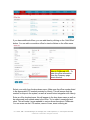
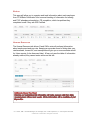
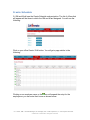
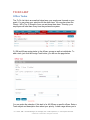
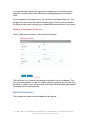
If an employee is assigned to multiple offices, they will see a drop-down menu for
the associated offices. You can print or generate and Excel file by clicking on the
icons on the top right side of screen.
Projections
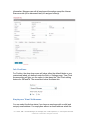
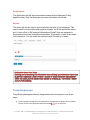
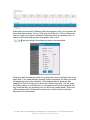
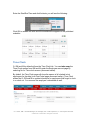
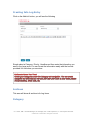
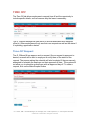
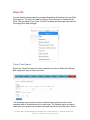
You can enter the information into the projection page for each office using the
Projections email send by Liberty. This information will be reflected on the
schedule when creating a schedule and hovering over the date. You can give the
GM/M access to updating this under Entity > Settings.
O = Owner, GM = General Manager, M = Manager, SS = Shift Supervisor, E = Tax Preparer & Waver
Colliborate © 2009-2015 All Rights Protected