1
SANbox 5000 Series Configuration
Configuring Zones
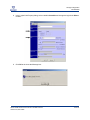
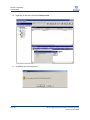
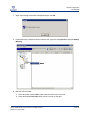
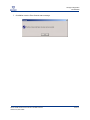
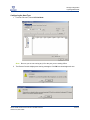
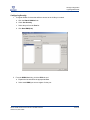
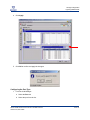
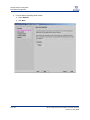
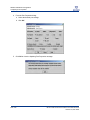
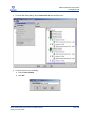
5.
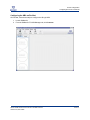
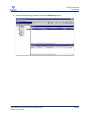
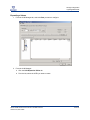
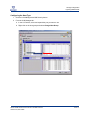
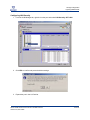
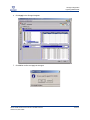
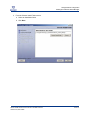
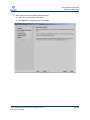
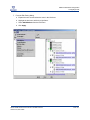
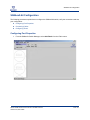
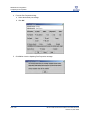
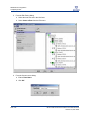
From the Edit Zoning dialog:
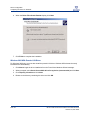
a. Select the new zone set in the left frame.
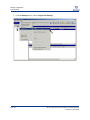
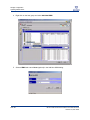
b. Select Create a Zone from the Edit menu.
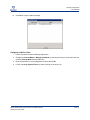
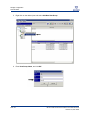
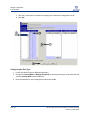
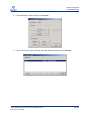
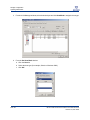
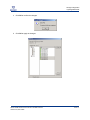
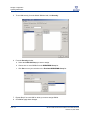
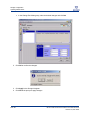
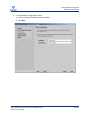
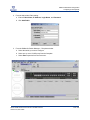
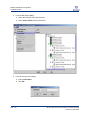
6.
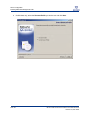
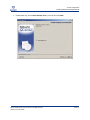
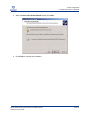
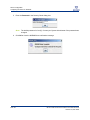
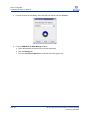
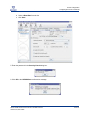
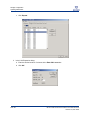
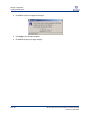
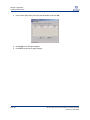
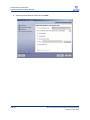
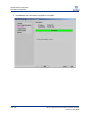
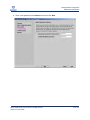
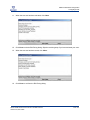
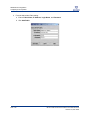
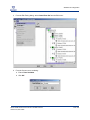
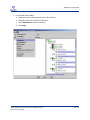
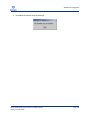
From the Create a zone dialog:
a. Enter a Zone Name.
b. Click OK.
PAGE 110
QLOGIC SAN CONFIGURATION GUIDE FOR HDS STORAGE
VERSION 5.0, MAY 2005