1
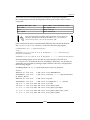
Compiling versus Cross-compiling
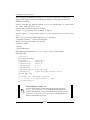
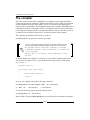
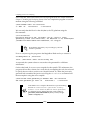
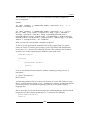
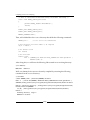
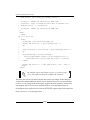
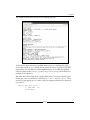
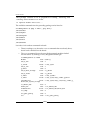
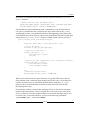
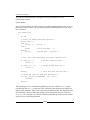
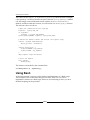
Let's verify this. Here is the classic Hello World program from The compiler section of
Chapter 1, Installing the Developing System. Now we compile this program on our host
machine using the following command:
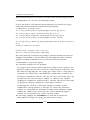
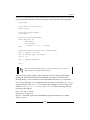
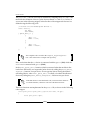
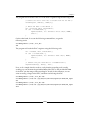
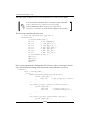
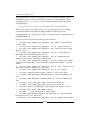
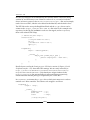
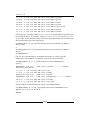
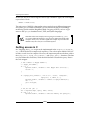
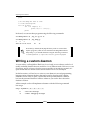
$ make CFLAGS="-Wall -O2" helloworld
cc -Wall -O2
helloworld.c
-o helloworld
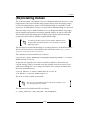
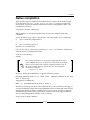
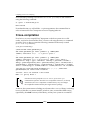
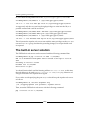
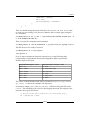
We can verify that this file is for the x86 (that is, the PC) platform using the
file command:
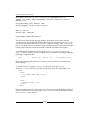
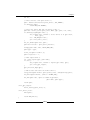
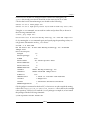
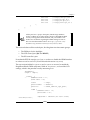
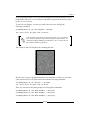
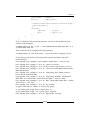
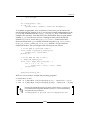
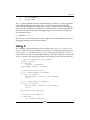
$ file helloworld
helloworld: ELF 64-bit LSB executable, x86-64, version 1 (SYSV),
dynamically linked (uses shared libs), for GNU/Linux 2.6.24, BuildID[sha1
]=0f0db5e65e1cd09957ad06a7c1b7771d949dfc84, not stripped
Note that the output may vary according to your host
machine's platform.
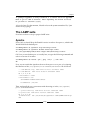
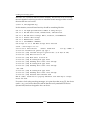
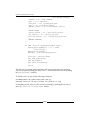
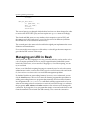
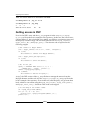
Now we can just copy the program to the BeagleBone Black and try to execute it:
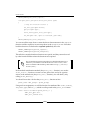
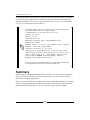
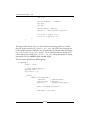
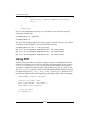
root@BeagleBone:~# ./helloworld
-bash: ./helloworld: cannot execute binary file
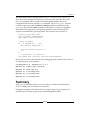
As expected, the system refuses to execute the code generated for a different
architecture.
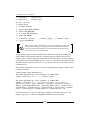
On the other hand, if we use a cross-compiler for this specific CPU architecture, the
program will run like a charm. Let's verify this by recompiling the code, but we need
to specify that we wish to use the cross-compiler instead. So, delete the previously
generated x86 executable file (just in case) using the rm helloworld command and
then recompile it using the cross-compiler:
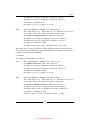
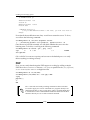
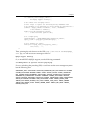
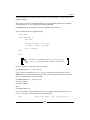
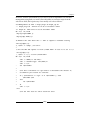
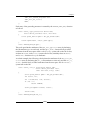
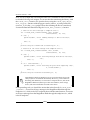
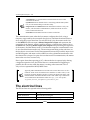
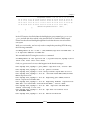
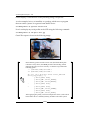
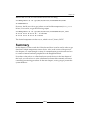
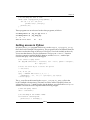
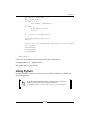
$ make CC=arm-linux-gnueabihf-gcc CFLAGS="-Wall -O2" helloworld
arm-linux-gnueabihf-gcc -Wall -O2
helloworld.c
-o helloworld
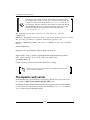
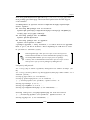
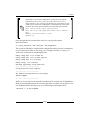
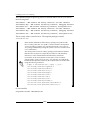
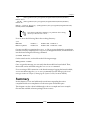
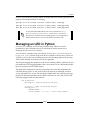
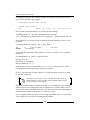
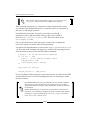
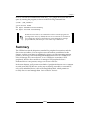
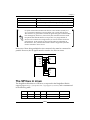
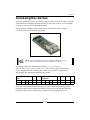
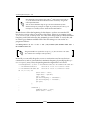
Note that the cross-compiler's filename has a special meaning:
the form is <architecture>-<platform>-<binaryformat>-<tool-name>. So, the arm-linux-gnueabihfgcc filename means: ARM architecture, Linux platform,
gnueabihf (GNU EABI hard float) binary format, and gcc
(GNU C Compiler) tool.
[ 54 ]