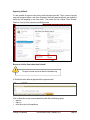
1
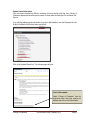
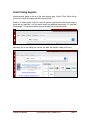
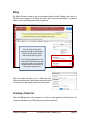
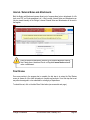
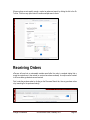
Alternately, if only deleting items from the active shopping cart, the user can click on the active cart
icon at the top-right hand corner of the home/shop page.
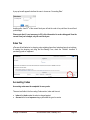
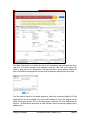
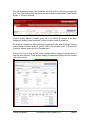
From this screen, click on the trash can icon (black circle) next to the item to be deleted. Also,
from this screen, the user can proceed to the check-out process or view the shopping cart.
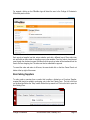
Favorites
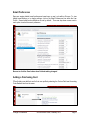
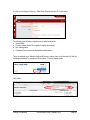
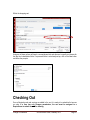
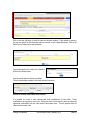
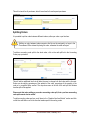
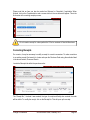
Favorites are shortcuts to frequently used items or forms. The user’s favorites can be accessed
through the favorites link below the Shop search field on the home/shop page.
College of Charleston
eProcure User Guide, February 2014
Page 19