1
3. Display installation
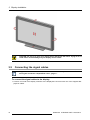
CAUTION: Do not try to pivot your display when attached to the stand. Trying to do so
could cause serious damage to your display and its stand.
3.5
Connecting the signal cables
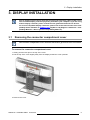
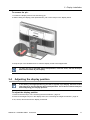
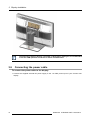
To get access to the connectors, remove the connector compartment cover. See "Removing the connector compartment cover", page 9 .
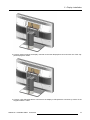
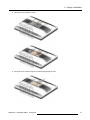
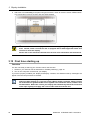
To connect the signal cables to the display:
1. Connect one head of the display controller to the DisplayPort connector with one of the supplied DisplayPort cables.
12
K5902079 CORONIS UNITI 19/12/2014