1
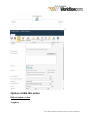
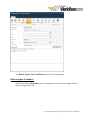
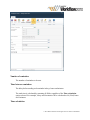
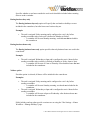
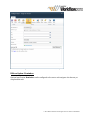
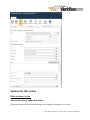
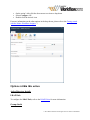
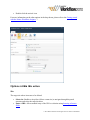
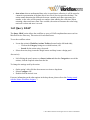
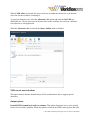
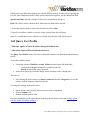
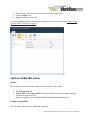
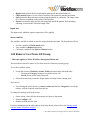
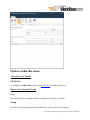
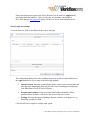
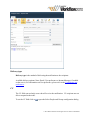
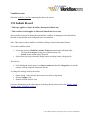
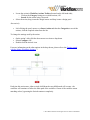
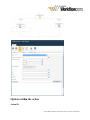
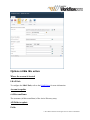
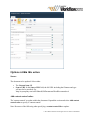
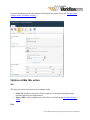
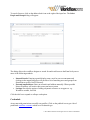
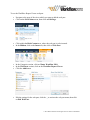
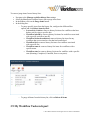
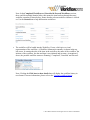
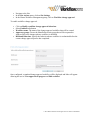
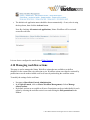
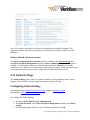
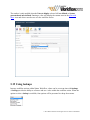
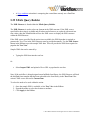
3.15 Updating User Defined Action in Published Workflows Published workflows that use a User Defined Action must be republished whenever a change is made to the instance of the UDA. Until the published workflow is republished, it will continue to reflect the last published version of the UDA when it was used and published in the workflow. When republishing a UDA, an option is available to analyze the UDA (Analyze UDA function) to show all instances of the UDA in published workflows and republish the workflows. To update all instances of the UDA in published workflows through the workflow designer: In the workflow designer, click on Publish. Check the Show option to republish workflows using this UDA checkbox. ”“ Click on Submit. The Analyze UDA tab for the UDA will be displayed. This will display a list of published workflows that use the UDA. © 2015 Nintex Global Ltd. All rights reserved. Nintex Confidential