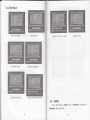
1
2.4
MULTIMEDIA
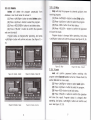
2.4.L.1Thumbnail
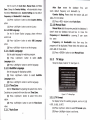
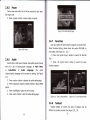
Multimedia must be used with build-in card reader or USB
port. Enter My Album and My Music, it displays "Initializing"
when
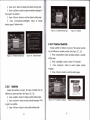
If there is no photo in device root folder, it will start at
Thumbnail mode. Or it will start at Folder mode. It displays
IPG EXIF info (Width, Height and Date) of selected photo.
just inserting device or "Device is not readyl" without
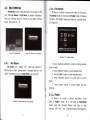
device. See Figure 60
-
61.
f
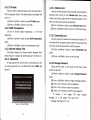
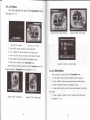
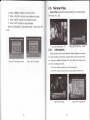
See Figure 63.
t
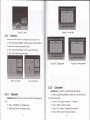
Figure 60,
Multimedia
Figure 61. Device is not Ready!
Figure 63. Thumbnail mode
2.4.L
My Album
Z
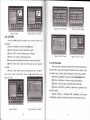
My Album can display JPG photo and operate it.
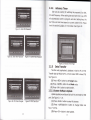
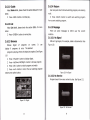
Remove device when playing photo, itdisplays "Device is not
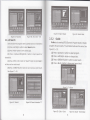
Press <Up/Down/Left/Right> button to change selected
photo or page.
Z
Z
Z
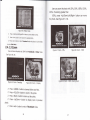
ready!" message and return to Main Menu. See Figure 62.
Press <RED/OK> button to zoom selected photo.
Press <GREEN> button to rotate selected photo,
Press <YELLOW> button to do slide show at current
folder.
Z
I
I
Figure 62. Remove device when playing
Press <BLUE> button
to
browse folders and files
(photos).
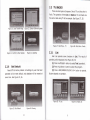
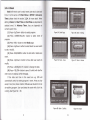
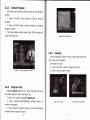
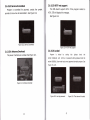
2.4.L.2 Folder
If there is no photo in device root folder, it will
at Folder mode. Or it will start at Thumbnail
mode. User can browser folders and files. It also
start
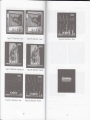
displays JPG EXIF info of selected photo. See Figure 64.
25