1
2.6.2
Switch Program
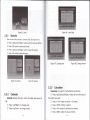
User can channel up/down to switch program or input program
number.
Z
Press <Ch Up/Ch Down> button
to next or
previous
pro9ram.
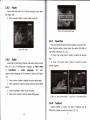
Z Press <0-9/OK> button to switch program by inputting
program number.
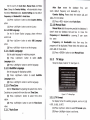
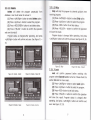
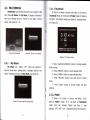
f the input program number doesn't exist, STB will ignore the
input. See Figure 105.
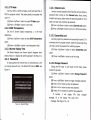
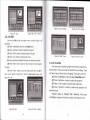
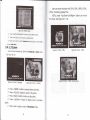
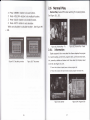
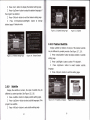
Figure 106. Program List
2,6.4
Volume
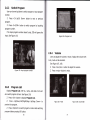
User can adjust the volume or mute.
Figure 105. Input program number
2.6.3
If adjust the volume with
mute, mute will be canceled.
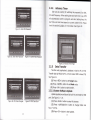
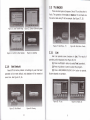
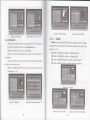
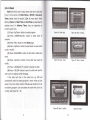
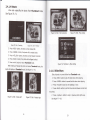
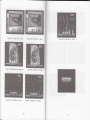
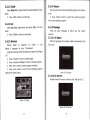
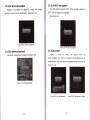
See Figure 107, 108.
Z Press <Vol-/Vol+> button to adjust the volume.
Z Press <mute> button to mute.
Program List
Display Program List with No., name, and state. And user
can switch program at here. See Figure 106.
Z Press <OK> button to display Program List.
Z Press <UplDown/Left/Right/Page UplPage Down> to
preview the program.
Z Press <OK/exit> to switch program or return last watching
program before pressing OK button.
38
Figure 107. Mute
Figure 108. Volume Bar