1
AXIS 330 User's Manual
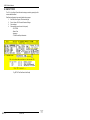
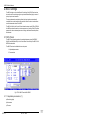
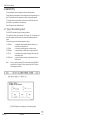
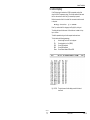
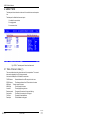
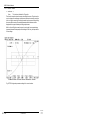
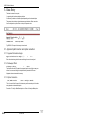
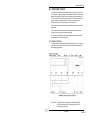
2.Data Panel
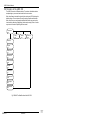
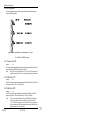
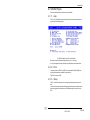
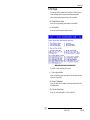
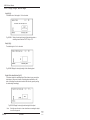
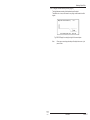
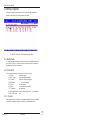
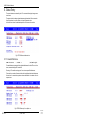
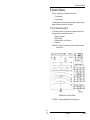
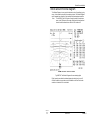
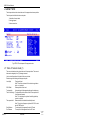
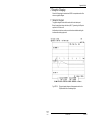
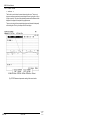
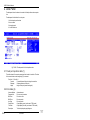
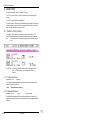
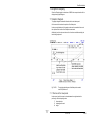
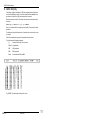
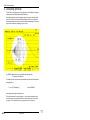
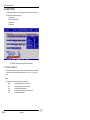
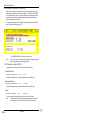
The <F3> in the Control Panel will start the setup procedure by opening the first
screen called Data Panel.
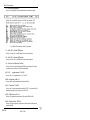
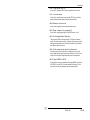
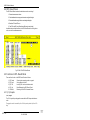
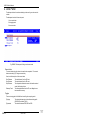
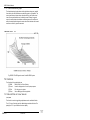
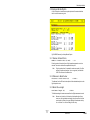
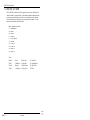
Data Panel configuration items are divided into three groups :
1.
Site Data, Extra Signals, GPside and Ant.type
2.
Printer, Screen, RX-Filter and Character Settings
3.
Colour settings
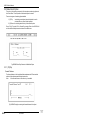
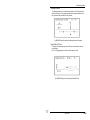
4.
Other settings (cannot be set in this panel)
- CDI / DDM
- Meter / Feet
- Language
- The Work and Graph directories
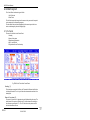
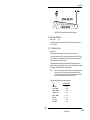
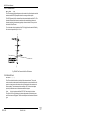
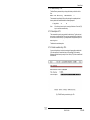
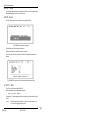
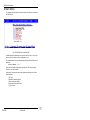
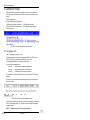
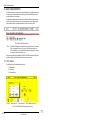
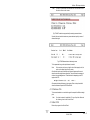
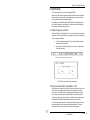
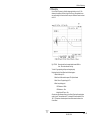
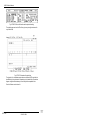
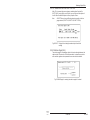
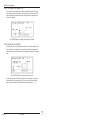
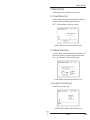
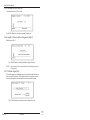
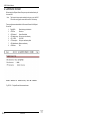
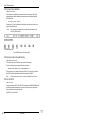
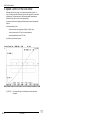
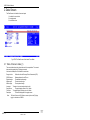
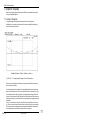
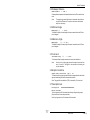
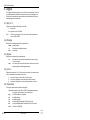
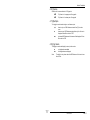
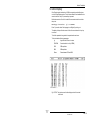
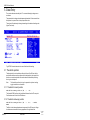
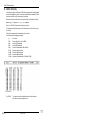
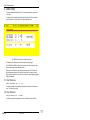
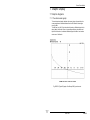
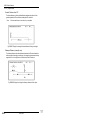
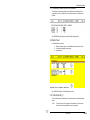
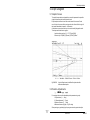
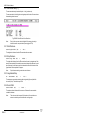
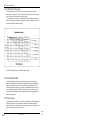
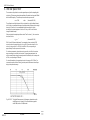
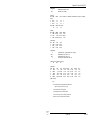
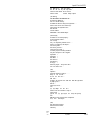
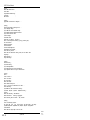
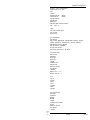
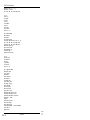
Fig. SET201 The Data Panel of the SetUp
AXIS 330
SET-2
20 NOV 1994
© NANCO
Software