1
Feature Reference
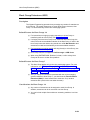
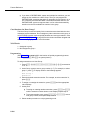
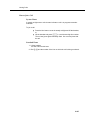
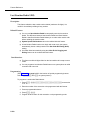
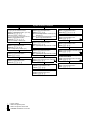
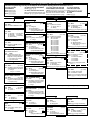
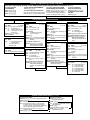
Direct Extension Dial Lines
(#205)—Release 2.0 or Later
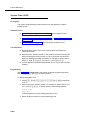
Description
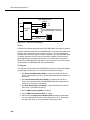
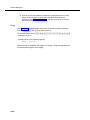
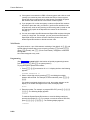
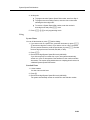
This System Programming procedure identifies the lines on which incoming calls
are to be answered for Direct Extension Dial.
Related Features
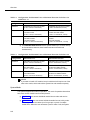
■
You must program a button on the system display phone at extension 10 to
turn Direct Extension Dial on and off. Use Direct Extension Dial Button
(#113) to program the button.
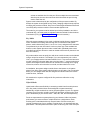
■
Calls that ring on lines programmed with Direct Extension Dial are picked
up after two rings, as a default. To change the number of rings, use Direct
Extension Dial Delay (#112).
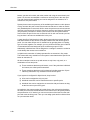
■
You must use Direct Extension Dial Record/Playback to record a
message to prompt callers to dial an extension number or Hunt Group
number after the system answers an outside call.
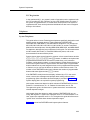
■
You can set SMDR Talk Time (#611) to Active to include the Talk field on
call reports. For an incoming outside call answered by Direct Extension
Dial, this field shows the call duration minus the time the greeting played
and the caller waited for someone to answer the call.
Considerations
■
The Automatic System/Direct Extension Dial PC card is purchased
separately and must be installed. If the PC Card has not been installed,
see PARTNER PC Card Installation Instructions.
■
Use the Direct Extension Dial Record/Playback feature to record a
message before using Direct Extension Dial since there is no default
message.
■
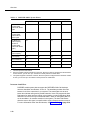
All lines programmed with Direct Extension Dial should be assigned to
extension 10 or its transfer return extension.
■
If a caller enters an invalid extension number or does not enter one at all,
the call is transferred to the receptionist at extension 10 (or to the
designated transfer return extension for extension 10).
■
To intercept a call while the message is playing—the red light next to the
line button is on steady—press the line button and lift the handset. The
message stops playing when the call is retrieved.
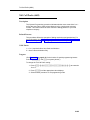
Valid Entries
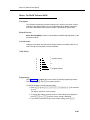
1 = Assigned
2 = Not Assigned ✔
5-98