1
1680.book Page 82 Thursday, March 1, 2001 4:28 PM
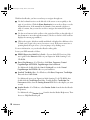
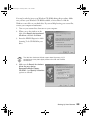
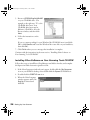
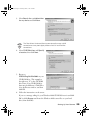
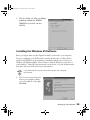
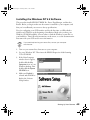
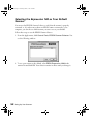
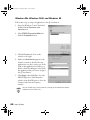
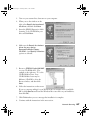
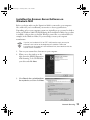
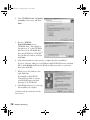
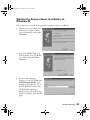
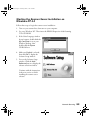
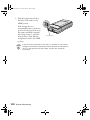
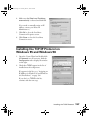
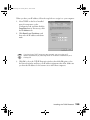
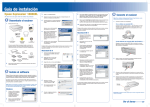
4. When you see this window, click
Finish.
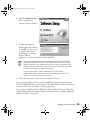
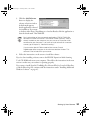
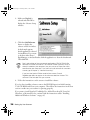
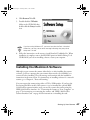
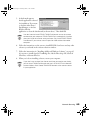
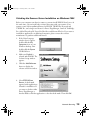
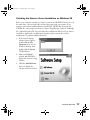
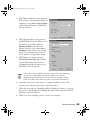
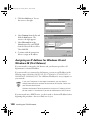
5. Double-click the My Computer
icon on your Windows desktop,
then double-click the Epson
CD-ROM icon. You see the
window on the right.
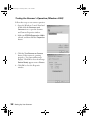
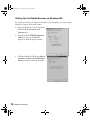
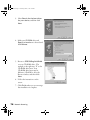
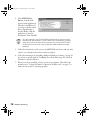
6. Make sure English is selected,
and click OK.
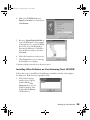
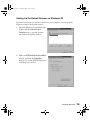
7. Click Add Software.
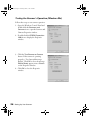
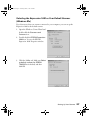
Continue with the instructions in “Finishing the Scanner Server Installation on
Windows 95 and Windows NT 4.0” on page 84.
82
Network Scanning