1
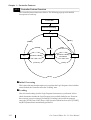
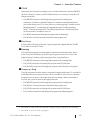
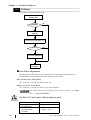
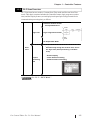
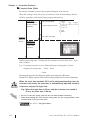
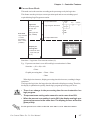
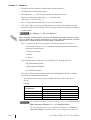
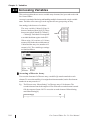
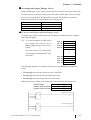
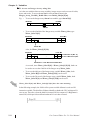
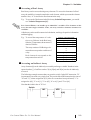
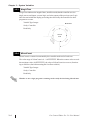
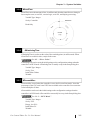
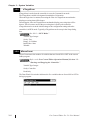
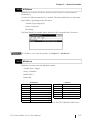
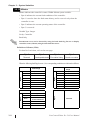
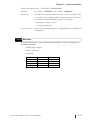
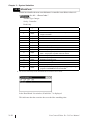
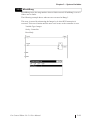
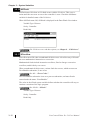
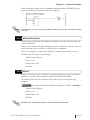
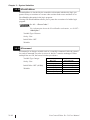
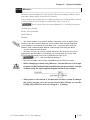
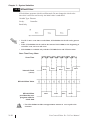
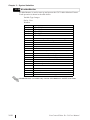
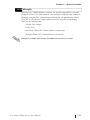
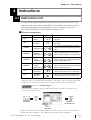
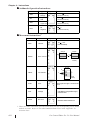
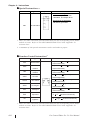
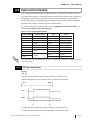
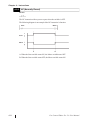
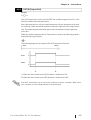
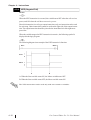
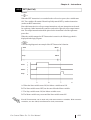
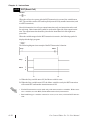
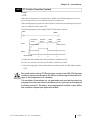
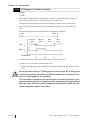
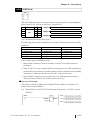
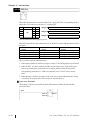
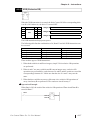
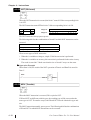
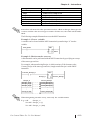
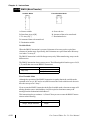
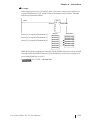
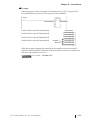
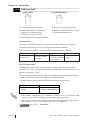
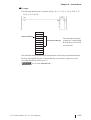
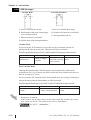
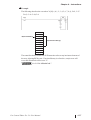
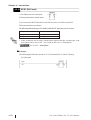
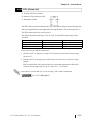
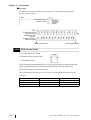
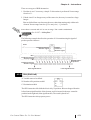
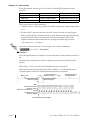
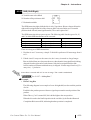
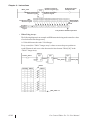
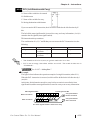
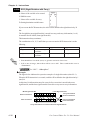
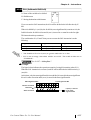
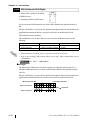
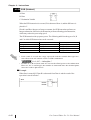
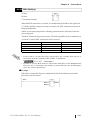
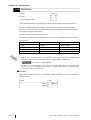
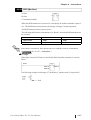
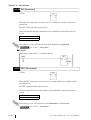
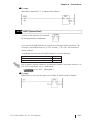
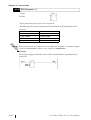
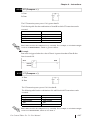
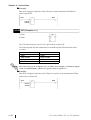
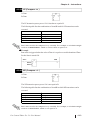
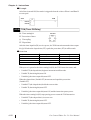
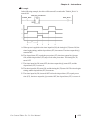
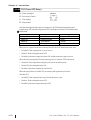
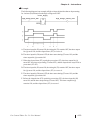
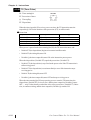
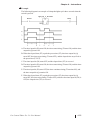
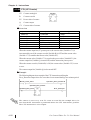
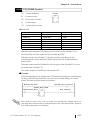
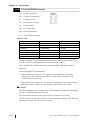
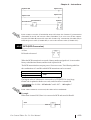
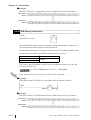
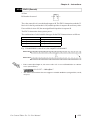
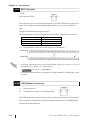
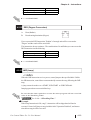
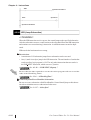
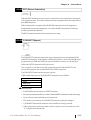
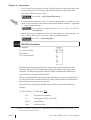
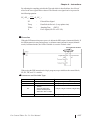
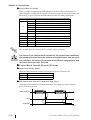
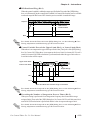
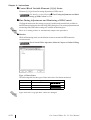
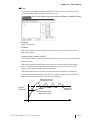
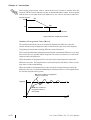
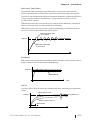
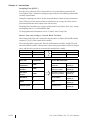
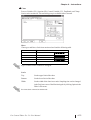
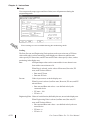
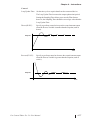
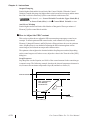
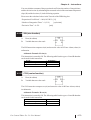
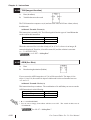
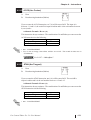
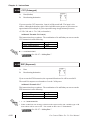
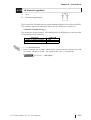
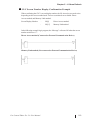
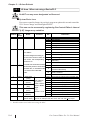
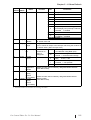
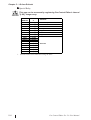
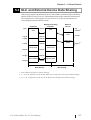
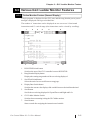
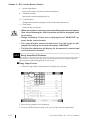
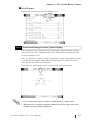
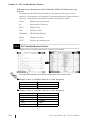
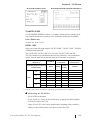
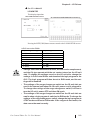
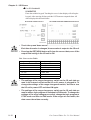
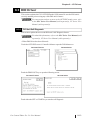
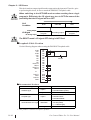
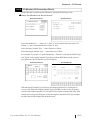
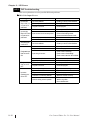
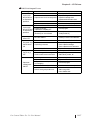
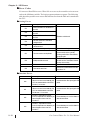
Chapter 4 – Instructions Example After Start is turned ON, Run mode is triggered when the values of Data A and Data B are not equal. RUN Start Data A Data B 4.2.41 TON (Timer ON Delay) IN: Timer starting bit Variable PT: Preset time of timer Q: Time up flag ET: Elapsed time After the timer input bit (IN) receives power, the TON instruction turns the timer output bit (Q) ON when the elapsed time (ET) equals the preset time (PT) in milliseconds. Overview Special Variable Description Variable Type Variable. PT Preset Value Integer Variable. ET Elapsed Time Value Integer Variable. Q Timer Output Bit Discrete Variable. TI Timing Bit Discrete When power is passed to the timer starting bit (IN), the TON instruction starts, and: • Variable.ET (the elapsed time) begins to increment in milliseconds. • Variable.TI (the timing bit) turns ON. • Variable.Q (the timer output bit) turns OFF. When the elapsed time (Variable.ET) increments and equals the preset time (Variable.PT): • Variable.ET (the elapsed time) holds the current value. • Variable.TI (the timing bit) turns OFF. • Variable.Q (the timer output bit) turns ON, and the instruction passes power. When the timer starting bit (IN) stops passing power to start the TON instruction: • Variable.ET (the elapsed time) is reset to zero. • Variable.TI (the timing bit) turns OFF. • Variable.Q (the timer output bit) turns OFF. 4–50 Pro-Control Editor Ver. 5.0 User Manual