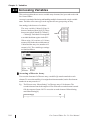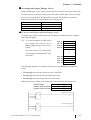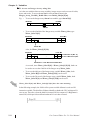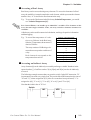
1
Chapter 8 – I/O Drivers
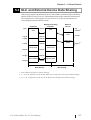
8.3 DIO Driver
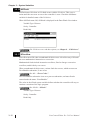
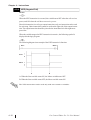
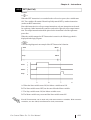
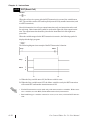
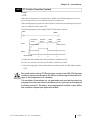
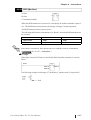
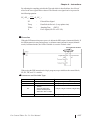
This section explains the GLC OFFLINE mode’s DIO menu. Be sure the DIO unit is
securely attached prior to using any of the DIO unit’s features.
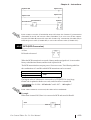
For instructions on how to move to the OFFLINE mode screen, refer
to the GLC Series User Manual (sold separately), LT Series User
Manual (sold separately).
8.3.1
DIO Unit Self-Diagnosis
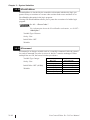
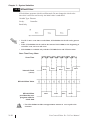
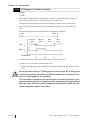
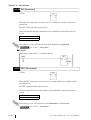
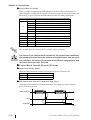
This section explains how to use the DIO unit’s Self-Diagnosis feature.
For detailed information, refer to the GLC Series User Manual (sold
separately), LT Series User Manual (sold separately).
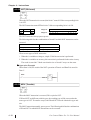
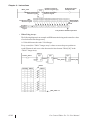
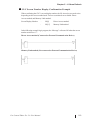
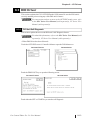
<When DIO Driver has been Selected>
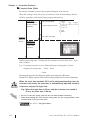
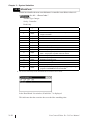
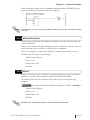
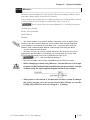
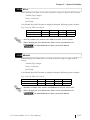
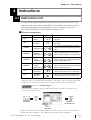
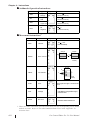
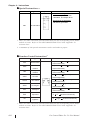
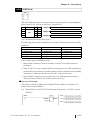
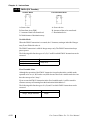
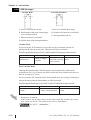
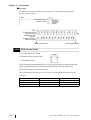
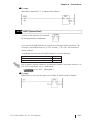
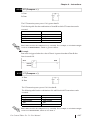
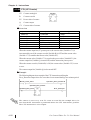
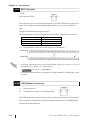
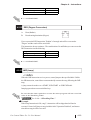
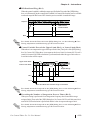
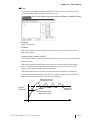
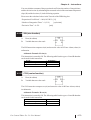
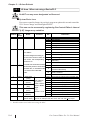
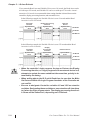
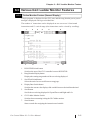
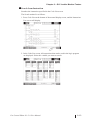
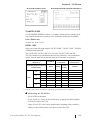
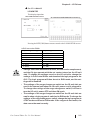
Touch the OFFLINE screen’s Controller Menu to open the DIO Menu area.
GLC100/LT Series
GLC300 Series
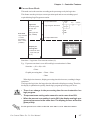
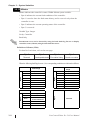
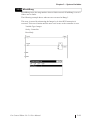
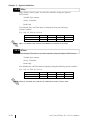
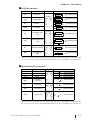
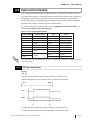
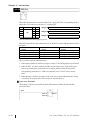
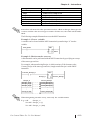
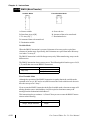
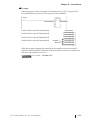
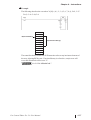
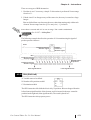
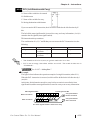
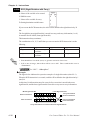
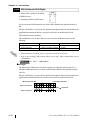
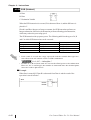
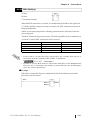
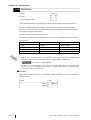
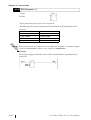
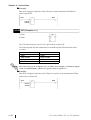
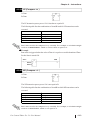
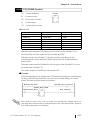
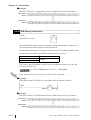
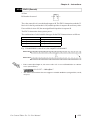
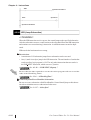
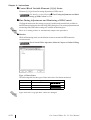
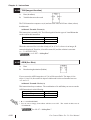
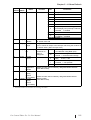
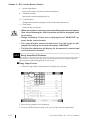
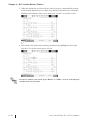
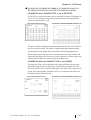
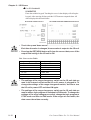
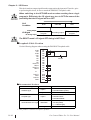
Touch the DIN/DOUT key to open the following screen.
GLC100/LT Series
GLC300 Series
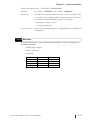
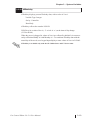
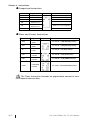
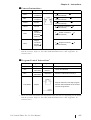
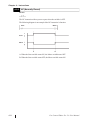
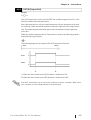
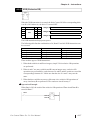
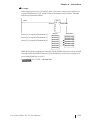
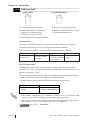
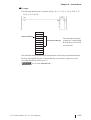
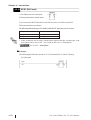
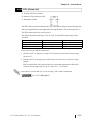
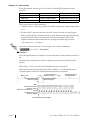
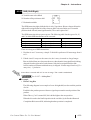
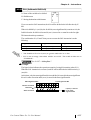
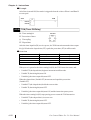
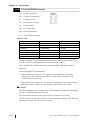
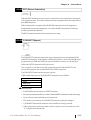
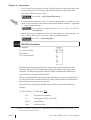
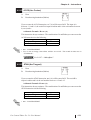
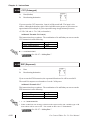
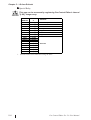
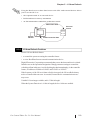
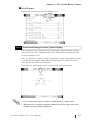
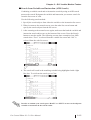
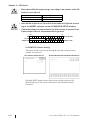
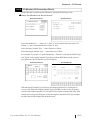
Touch either the SET or START key to start the self-diagnosis.
Pro-Control Editor Ver. 5.0 User Manual
8–13