1
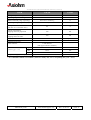
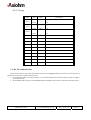
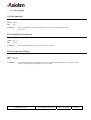
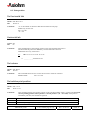
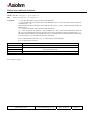
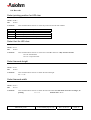
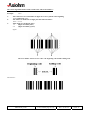
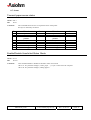
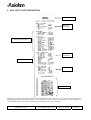
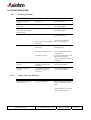
9. SELF TEST TICKET DESCRIPTION
PCB codification
Boot and
Flash CRC’s
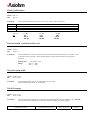
Configuration description
Buffer
information
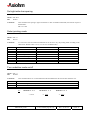
RS232 Parameters
Print option
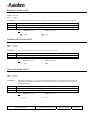
Character table
Note: to print a self test ticket you can either use the hexadecimal control code <1F> <74>, or you can power the printer
while holding the paper feed button pushed – as soon as the self test starts you the paper feed button can be released. This
second method allows receiving the communication parameters prior to any connection.
KRM kiosk printer
User's manual page 51 / 52
Ref. : 31 08 212
Issue : Z