1
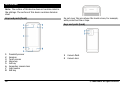
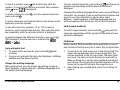
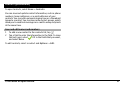
Keys and parts (sides)
1
2
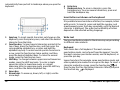
Power key
Nokia AV connector (3.5 mm)
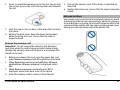
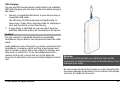
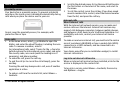
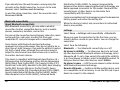
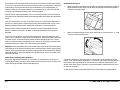
Insert the SIM card and battery
Follow the instructions carefully, to avoid damaging the back
cover.
Safe removal. Always switch the device off and disconnect the
charger before removing the battery.
1
2
3
4
5
6
7
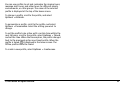
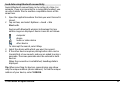
Stereo speaker
Charging indicator light
Micro USB connector
Lock switch
Volume up/Zoom in key
Volume down/Zoom out key
Capture key
1
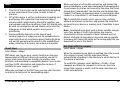
Remove the back cover by lifting it from the bottom end
of the device.
2
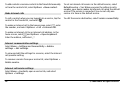
If the battery is inserted, lift the battery in the direction
of the arrow to remove it.
Keys and parts (top)
© 2009 Nokia. All rights reserved.
11