1
3
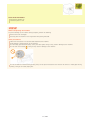
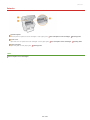
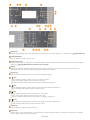
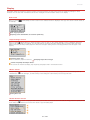
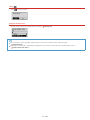
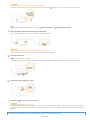
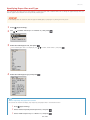
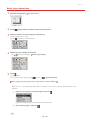
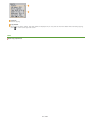
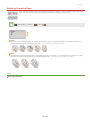
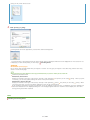
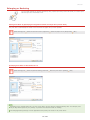
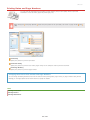
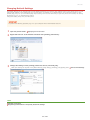
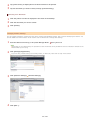
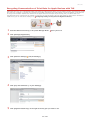
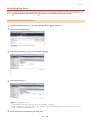
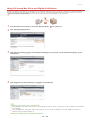
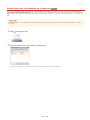
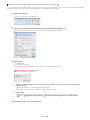
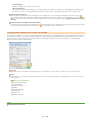
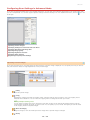
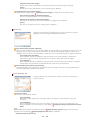
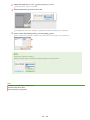
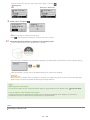
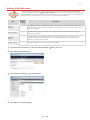
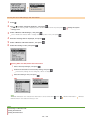
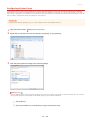
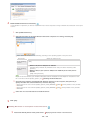
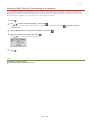
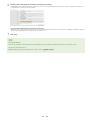
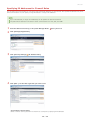
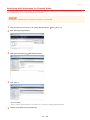
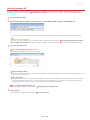
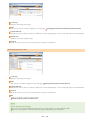
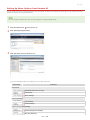
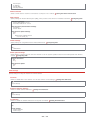
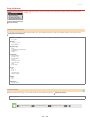
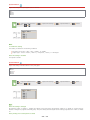
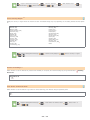
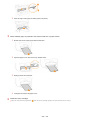
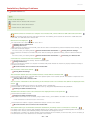
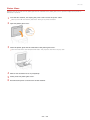
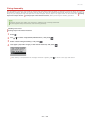
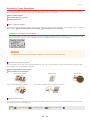
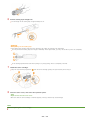
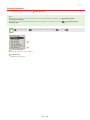
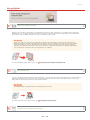
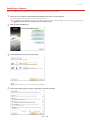
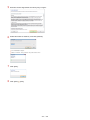
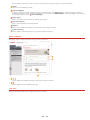
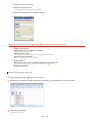
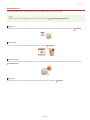
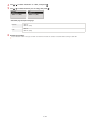
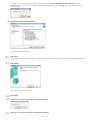
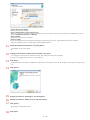
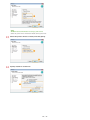
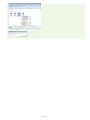
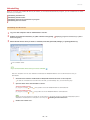
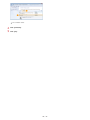
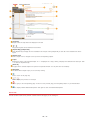
Select [Add/Delete] in [Favorite Settings].
The [Add/Delete Favorite Settings] screen is displayed.
[Add/Delete] is available when the preview image is displayed.
4
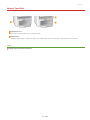
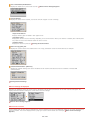
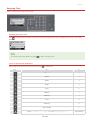
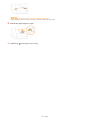
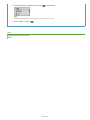
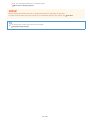
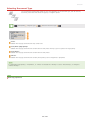
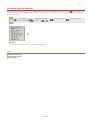
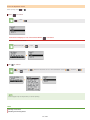
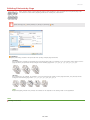
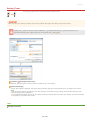
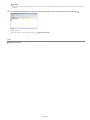
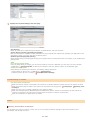
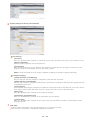
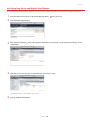
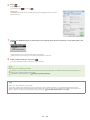
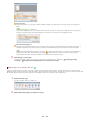
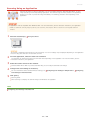
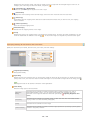
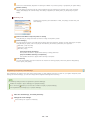
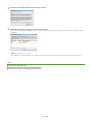
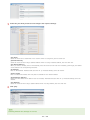
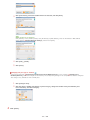
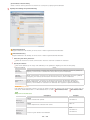
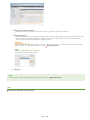
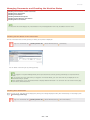
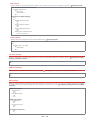
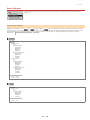
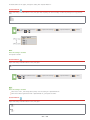
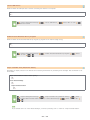
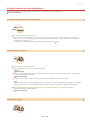
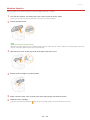
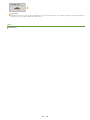
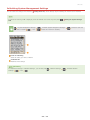
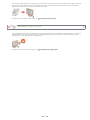
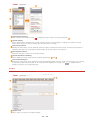
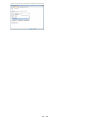
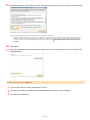
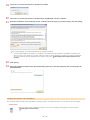
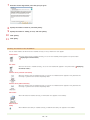
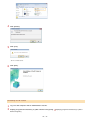
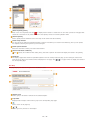
Enter a name into [Setting Name], and click [Add]
[Save].
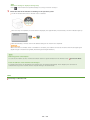
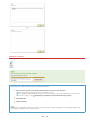
Enter a name for the settings to register. Use a name that is easy to find in the drop-down list.
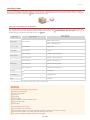
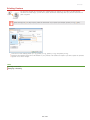
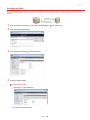
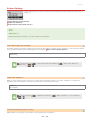
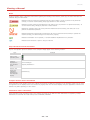
Calling registered Favorite Settings
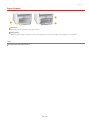
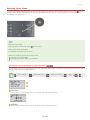
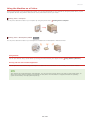
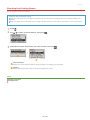
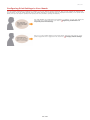
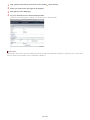
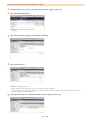
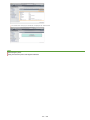
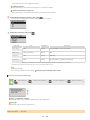
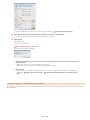
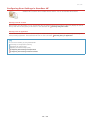
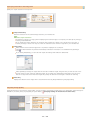
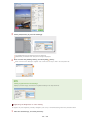
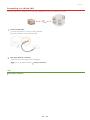
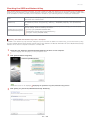
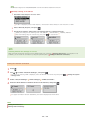
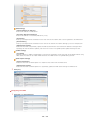
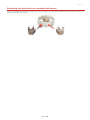
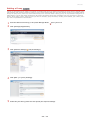
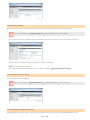
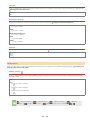
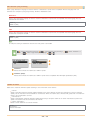
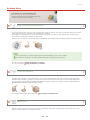
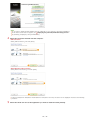
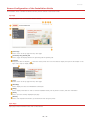
Display a preview image, and select the registered setting in the drop-down list.
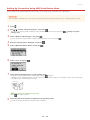
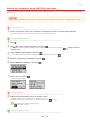
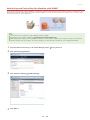
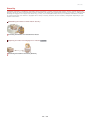
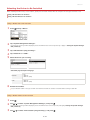
Registering the Brightness or Color Setting
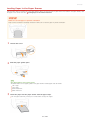
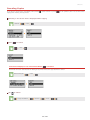
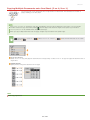
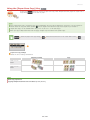
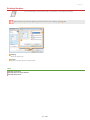
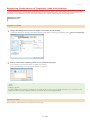
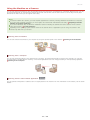
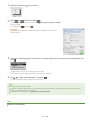
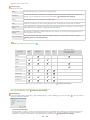
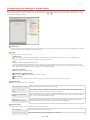
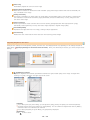
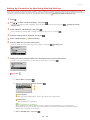
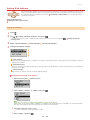
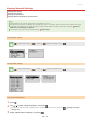
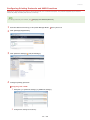
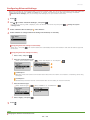
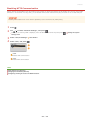
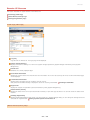
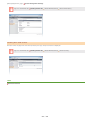
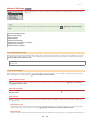
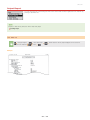
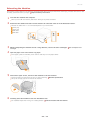
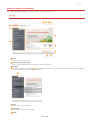
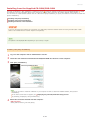
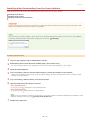
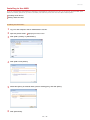
To register only the brightness, contrast, histogram, tone curve, or threshold setting, follow the procedure below.
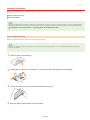
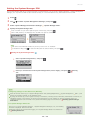
1
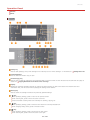
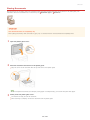
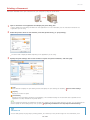
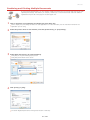
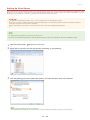
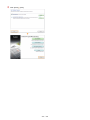
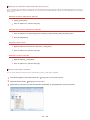
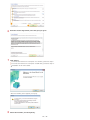
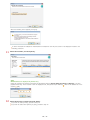
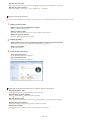
Place the document(s), and click [Preview].
㻝㻠㻟㻌㻛㻌㻟㻟㻢