1
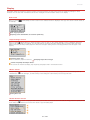
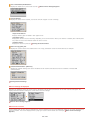
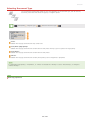
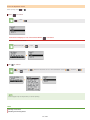
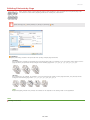
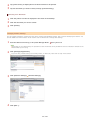
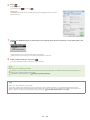
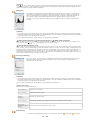
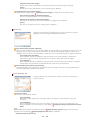
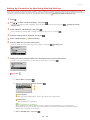
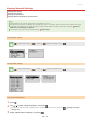
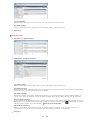
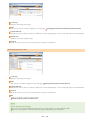
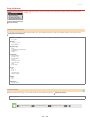
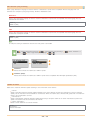
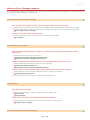
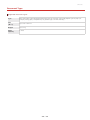
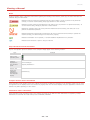
Color tone is automatically adjusted. The setting is available if you select [Color] or [Grayscale] for [Color Mode].
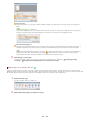
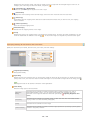
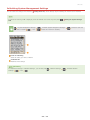
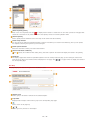
[Monitor Gamma]
You can display the document at the proper brightness level by specifying the gamma value of the computer
display that displays the scanned image. The setting is applied if you select [Color] or [Grayscale] for [Color
Mode].
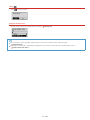
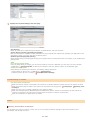
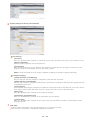
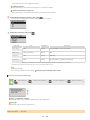
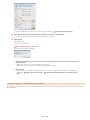
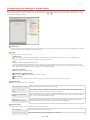
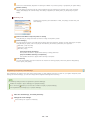
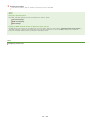
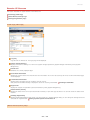
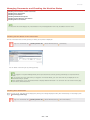
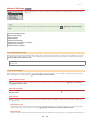
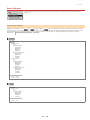
[Scanner] Tab
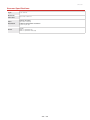
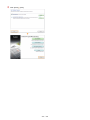
Configure the temporary save destination of files, the playing of audio files, and
other settings.
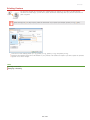
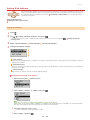
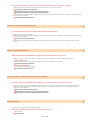
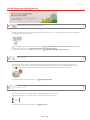
[Select Folder Where Temporary Files are Saved]
Click [Browse] to change the folder to which an image is temporarily saved.
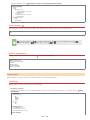
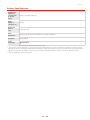
[Sound Settings]
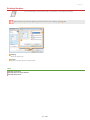
You can specify the music or sounds that are played while the machine is scanning or when scanning is complete.
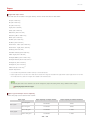
Click [Browse] to specify a file to be played. The following file formats (extensions) are supported:
MIDI files (.mid/.rmi/.midi)
Audio files (.wav/.aif/.aiff)
MP3 files (.mp3)
[Play Music During Scanning]
The specified sound file is played while scanning is being performed.
[Play Sound When Scanning is Completed]
The specified sound file is played when scanning is complete.
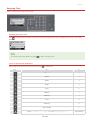
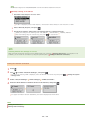
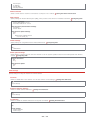
[Test Scanner]
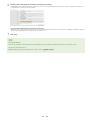
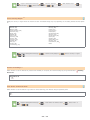
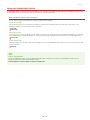
You can check whether the scan function of the machine is working properly. When the [Scanner Diagnostics]
screen opens, click [Start].
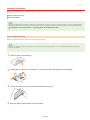
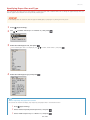
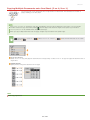
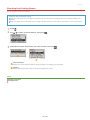
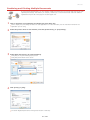
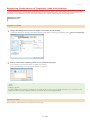
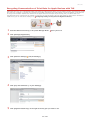
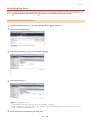
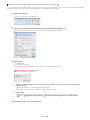
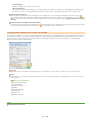
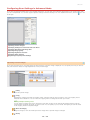
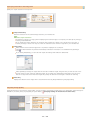
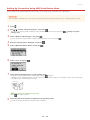
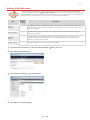
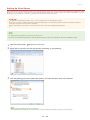
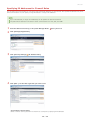
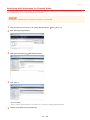
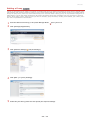
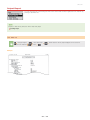
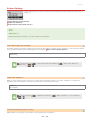
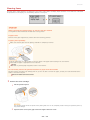
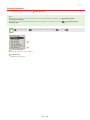
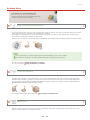
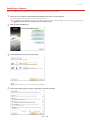
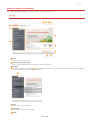
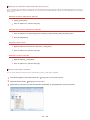
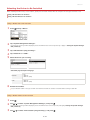
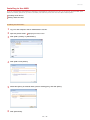
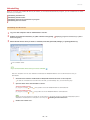
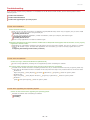
Registering Frequently Used Settings
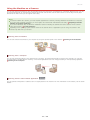
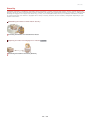
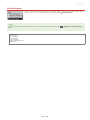
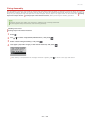
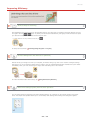
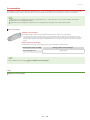
It is troublesome to configure the color mode, image quality, or other settings each time you scan. If you register frequently used
settings as Favorite Settings, you can scan simply call the registered settings when scanning.
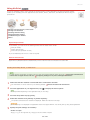
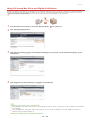
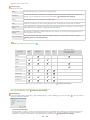
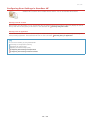
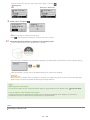
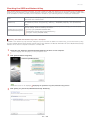
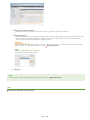
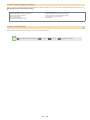
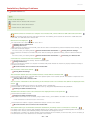
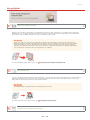
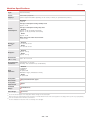
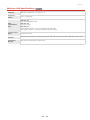
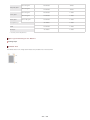
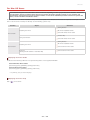
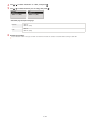
The following settings cannot be registered in [Favorite Settings].
Widths and heights in [Input Settings] and [Output Settings]
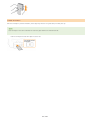
On or off of the
button (to lock the ratio of width to height) in [Input Settings]
The magnification percentage (%) in [Output Settings]
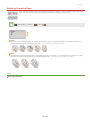
1
2
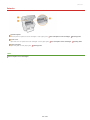
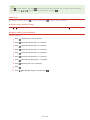
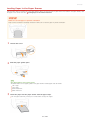
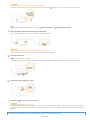
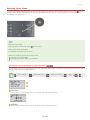
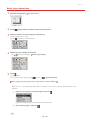
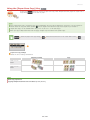
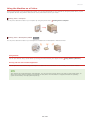
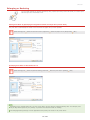
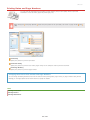
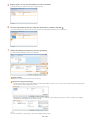
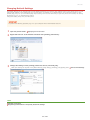
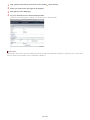
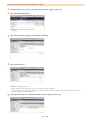
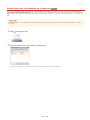
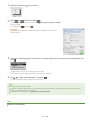
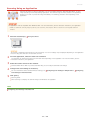
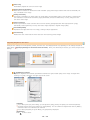
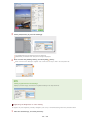
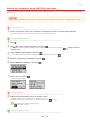
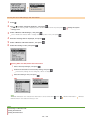
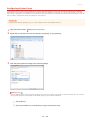
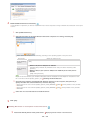
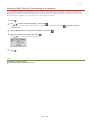
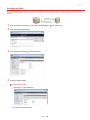
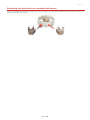
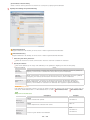
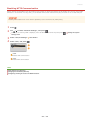
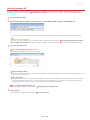
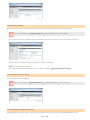
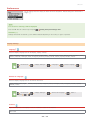
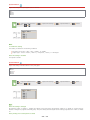
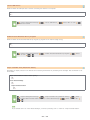
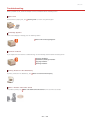
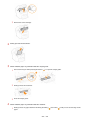
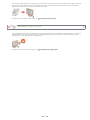
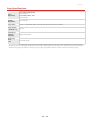
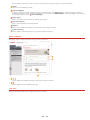
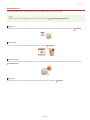
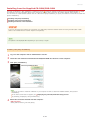
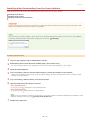
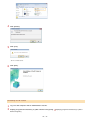
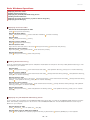
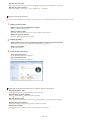
Place the document(s), and click [Preview].
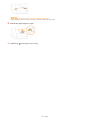
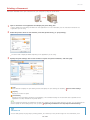
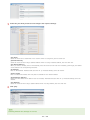
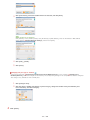
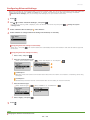
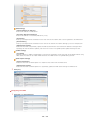
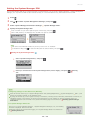
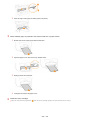
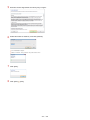
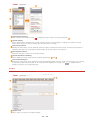
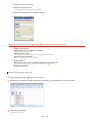
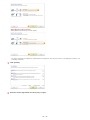
Change the scan settings.
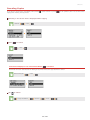
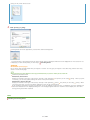
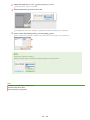
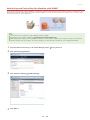
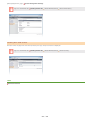
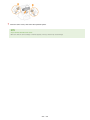
Select settings to register as necessary.
㻝㻠㻞㻌㻛㻌㻟㻟㻢