1
Comfort Optimizer User Manual
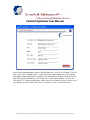
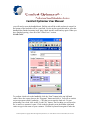
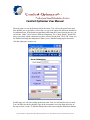
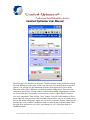
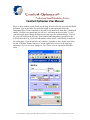
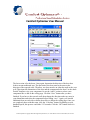
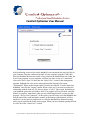
keyboard disappear. Next you will see the design temperature for the state and city you
have chosen for this salesperson. If you want to change the design temperatures for this
load, click in the box of the item you wish to change and use the keyboard to backspace
and type in the new numbers. Next, we will setup the infiltration for the fireplaces and the
home. First, use the drop down to select how many fireplaces there are in the home. Then
select the fireplace rating. Next, set the rating for the home and then the approximate
square footage of the home if you know it. This is not a required action. The program will
calculate this as you enter in your rooms. (Note: The rating for the fireplaces and the
home can be found in a Manual J). The last thing to set up on this page is the grains you
wish to use by checking the desired box. If you need to change the number of grains, then
click in the box and use the keyboard to change the number. Then click the right arrow in
the bottom left hand corner to go to the next page.
Comfort Optimizer Copyright 2002-2004 Opportunity Interactive, Inc. 22525 Marine View Dr S Des Moines, WA 98198