1
MicroVol-1100 User manual 1.6
Operation
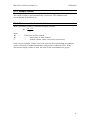
3.2 Main screen
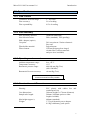
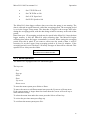
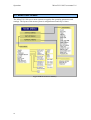
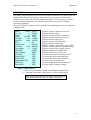
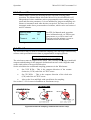
The main screen will constantly show parameter such as date and time, and other
depending whether the pump is on or off (see Figure 7 and Figure 8). If the user
wishes to change the MicroVol’s settings pressing Enter of select will then open the
main menu as shown in Figure 9.
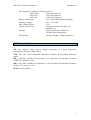
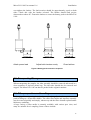
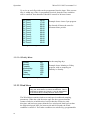
Pump On
Auto/Manual
20/09/05
Sampling
11:53:23
Flow
l/min 3.000
Temp.
C 22.90
Press
mmHg 763.4
Displays current operating mode & date
Displays current time
Displays current flow-rate
Displays current temperature
Displays current barometric pressure
Figure 7 Main screen pump on
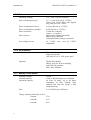
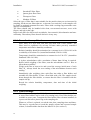
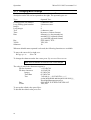
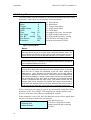
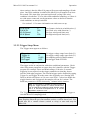
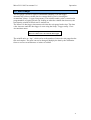
OR Pump Off
Ecotech
MicroVol
20/09/2005
11:53:23
(A one-line status message is
displayed)
Displays current date
Displays current time
Displays status message stating
why pump is off.
Figure 8 Main screen pump off
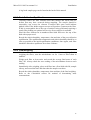
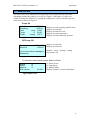
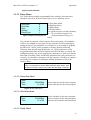
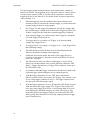
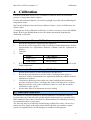
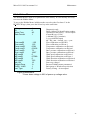
To enter the menu system press Select or Enter.
Status
Setup
Manual
S/W version
V2.08x
To Status Screen
To Setup Menu
To Manual Menu
Displays software version information
Figure 9 Main menu
21