1
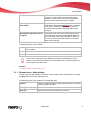
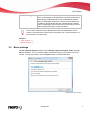
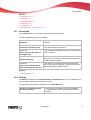
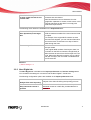
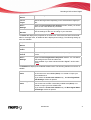
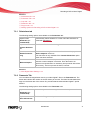
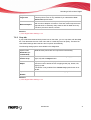
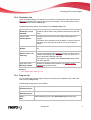
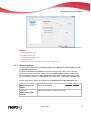
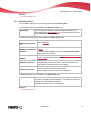
Recoding a DVD to Nero Digital 7.3.3 Visual Enhancements The settings in the Visual Quality Level entry use human perception patterns to achieve better overall quality. This means, for example, that the quality is better in the middle of the picture than at the outer edges because the eyes tend to focus on the middle and do not notice slight blurring at the edge. Because quality is "saved" at the edge, you can either improve overall quality or achieve greater compression. This means that you can achieve greater compression without any appreciable loss of quality. The following check boxes are available in the Psychovisual enhancement area: Focal plane If this check box is enabled, human perception is taken into account in order to achieve better compression for individual pictures at certain spots in the video. Macroblock level If this check box is enabled, human perception is taken into account in order to achieve better compression for macroblocks in certain areas in the picture. See also: Encoder settings 48 7.3.4 Multithreading You can configure multithreading settings under the Multithreading entry. Nero Recode supports multi-core processors. If you have one of these, you can distribute the encoding process over the desired number of threads. The following drop-down menu is available: Number of threads/slices Defines whether the encoding process should be performed by multiple threads (Multithreading). The number of processor cores used corresponds to the number of threads you have selected.This ensures optimal use of a multi-core processor system. This ensures optimal use of a multi-core processor system. See also: Encoder settings 48 Nero Recode 51