1
3.
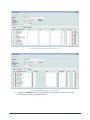
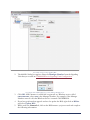
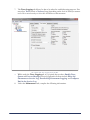
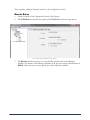
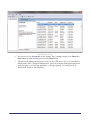
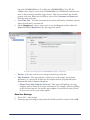
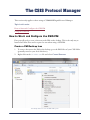
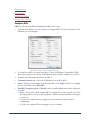
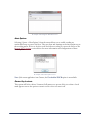
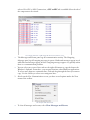
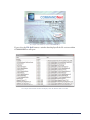
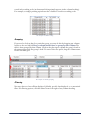
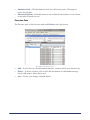
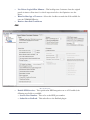
Move the shortcut to the desktop.
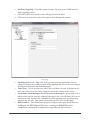
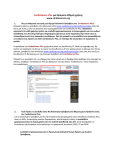
An example of the CSIS PM shortcut.
4.
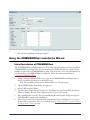
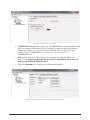
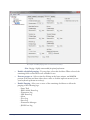
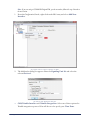
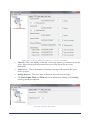
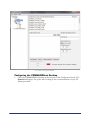
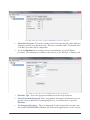
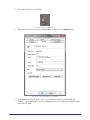
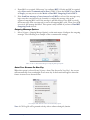
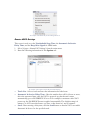
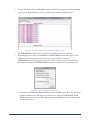
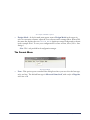
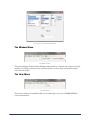
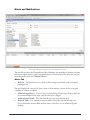
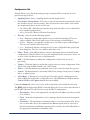
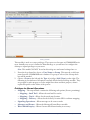
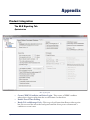
Right-click the shortcut and select Properties. Navigate to the Shortcut tab.
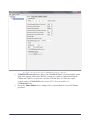
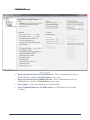
An example of the CSIS PM Properties window.
5.
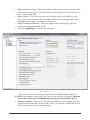
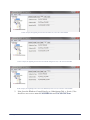
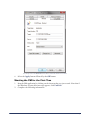
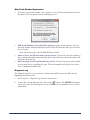
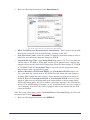
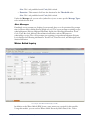
In the Start in: field, fill in the name of your PM at the end of the file path. For
example, if your PM appears in the configuration console as PM90, enter PM90 at the
end of the file path.
The CSIS Protocol Manager
49