1
mClassRecord App
Scores Module | How To
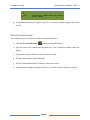
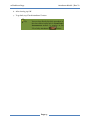
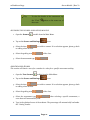
4. To add a grading term, tap on the add
icon.
5. Enter necessary term information and tap
to confirm or
Tip
You can add, edit, delete a grading term by
tapping
on
the
spinner
. The app is set to
“Add term” by default.
Tip
You can add additional grading term by
doing again step 3 and 4.
to cancel.
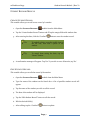
ADDING AN ASSESSMENT TYPE
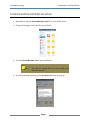
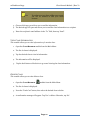
1. Open the SCORES
module from the Main Menu.
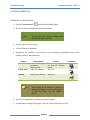
2. Tap on the Assessment Details
3. Select the class
to adding a class section.
icon.
you wish to connect. If no selection appears, please go back
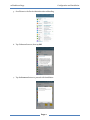
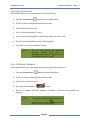
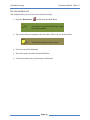
4. To add the assessment type, tap on the
icon.
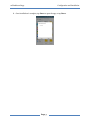
5. Enter necessary assessment information and tap
by
to confirm or
Tip You can add, edit, delete a assessment types
tapping
on
the
spinner
to “Add Category” by default.
. The app is set
Tip You can add additional scoring category by
doing again step 3 and 4.
Page 19
to cancel.