1
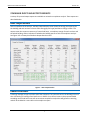
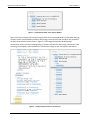
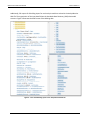
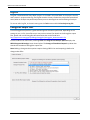
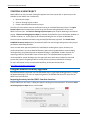
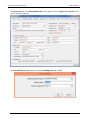
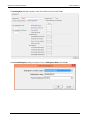
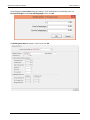
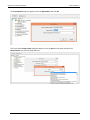
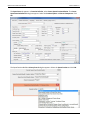
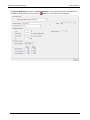
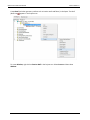
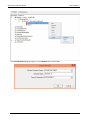
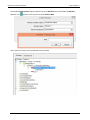
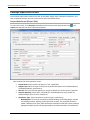
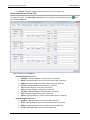
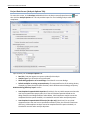
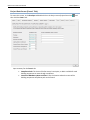
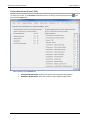
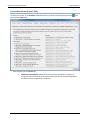
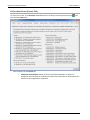
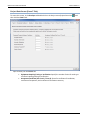
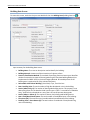
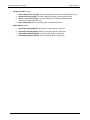
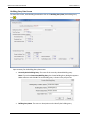
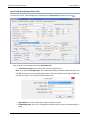
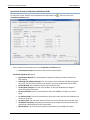
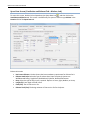
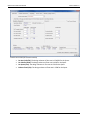
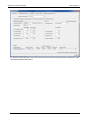
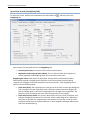
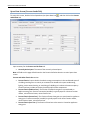
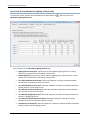
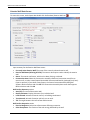
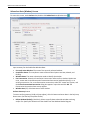
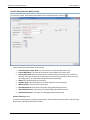
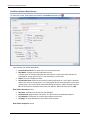
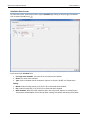
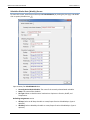
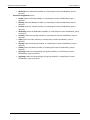
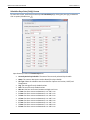
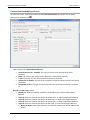
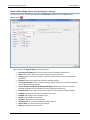
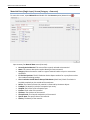
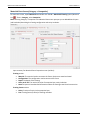
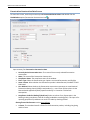
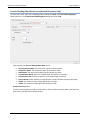
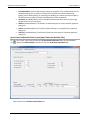
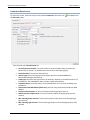
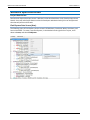
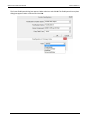
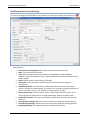
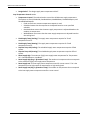
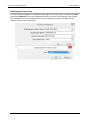
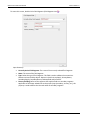
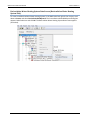
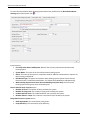
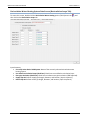
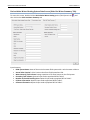
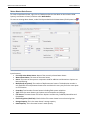
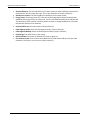
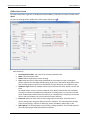
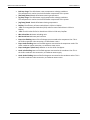
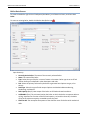
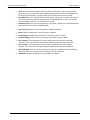
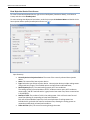
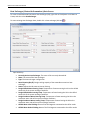
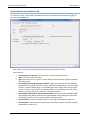
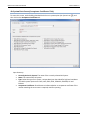
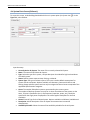
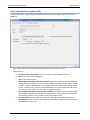
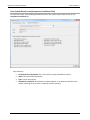
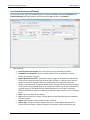
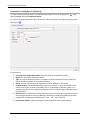
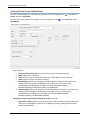
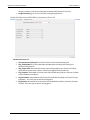
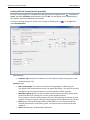
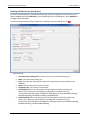
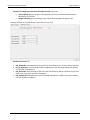
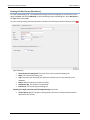
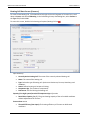
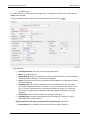
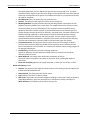
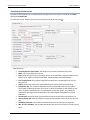
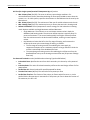
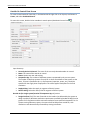
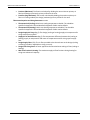
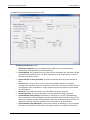
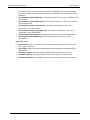
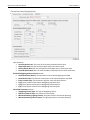
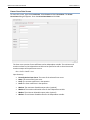
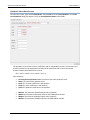
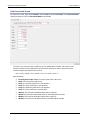
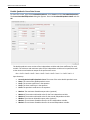
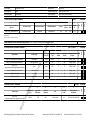
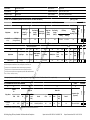
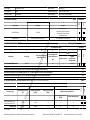
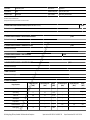
CBECC-Com 2016 User Manual Version 2016.1.0 Fenestration Construction Data Screen To access this screen, under Project name expand FenestrationConstructions and double click the FixedWindow option (Fenestration Constructions icon ). Input summary for Fenestration Construction Data: Currently Active Fenestration Cons.: The name of the currently selected fenestration construction. Name: The name of the Fenestration Construction. Compliance Status: The compliance status of the window. Fenes. Type: Select the fenestration type. Options are VerticalFenestration and Skylight. Assm. Context: Select whether the fenestration product is Manufactured, Site Built or Field Fabricated. Cert. Method: Select whether the fenestration construction represents an actual National Fenestration Rating Council (NFRC)-rated product (i.e., uses Center of Glass values via the Nonresidential Appendix 6 [NA-6] equation method), or is based on T-24 Default Assumptions. Compliance Credit for Shading? (check box): Select to indicate if any fenestration in the building is taking compliance credit for shading (modeled as overhangs/fins). This input is for reporting purposes only and does not result in a credit by checking the box. Glazing Thermal Performance section User Defined U-Factor: The simulated overall U-factor for the fenestration product, including the glazing and the frame. 94