1
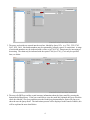
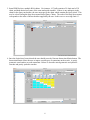
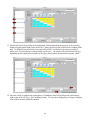
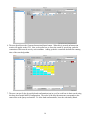
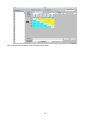
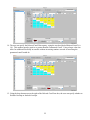
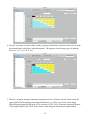
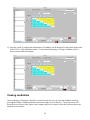
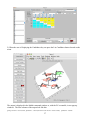
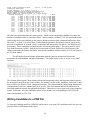
13. Perform the Search by pressing the Search Button. Information about the progress of the search is
displayed in the bottom right corner of the GUI. Often, the slowest part of the search is loading PDB
data. If a PDB file has not already been analyzed by FR3D, it will need to be analyzed, which is
rather slow. Even loading pre-computed data may be slow. The length of the search itself will vary
depending on the number of nucleotides in the Query motif and the guaranteed discrepancy cutoff.
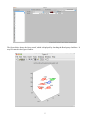
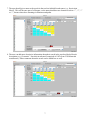
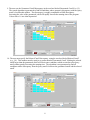
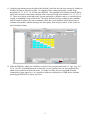
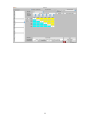
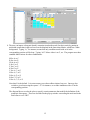
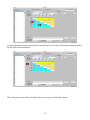
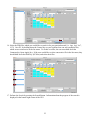
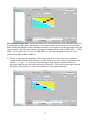
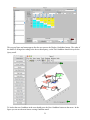
14. Once the search is complete the total number of Candidates found will be displayed in the bottom
right corner of the GUI (e.g., 400 Candidates found). To learn about Displaying or Listing Candidates
refer to those sections within this manual.
10