1
18
KITE™: Educator Portal – User Manual
Monitoring a Test Session
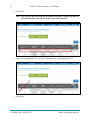
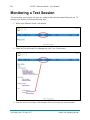
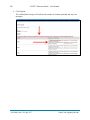
You can monitor a test session if at least one student on the roster has started taking the test. To
monitor a test session, perform the following steps.
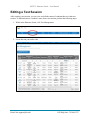
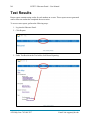
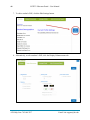
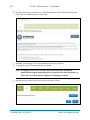
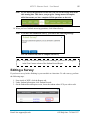
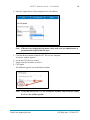
1. While in the Educator Portal, click Reports.
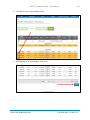
2. Under the Test bullet and Test Management, click View Test Sessions.
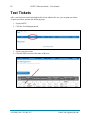
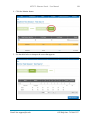
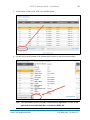
3. From the list of test sessions, click the name of the test session you want to monitor.
ATS Help Line: 785.864.3537
Email: [email protected]