1
Render Options for V-Ray for SketchUp
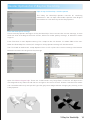
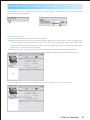
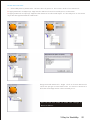
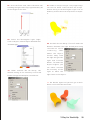
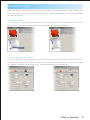
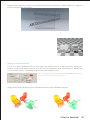
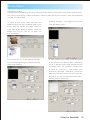
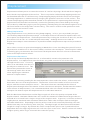
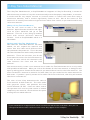
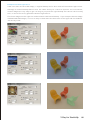
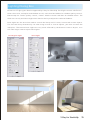
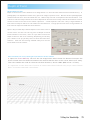
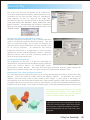
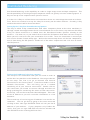
Open V-Ray for SketchUp - Render Options
The V-Ray for SketchUp Options controls all rendering
parameters. You can open this Render Options from Plugins
menu above or click directly on the VRay Options.
Save and Load Option settings
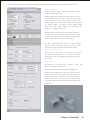
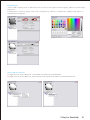
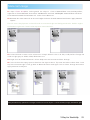
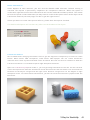
There are many Options settings in V-Ray for SketchUp. Users can save the current settings, or save
different files according to different scenes, different render quality settings, or different render
engines.
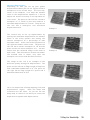
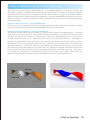
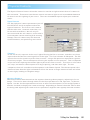
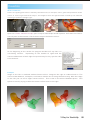
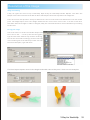
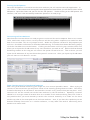
From File>Save to save Options setting. Use .visopt as the file format. It's about 2KB in file size.
When the SketchUp file is saved, all changes in V-Ray Options setting will also be saved.
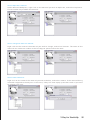
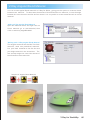
Use File>Load to load saved .visopt Options files. It will replace the current settings. Use Restore
Defaults to restore the original V-Ray settings.
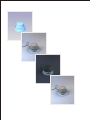
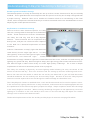
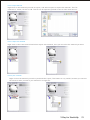
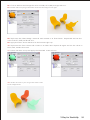
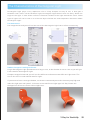
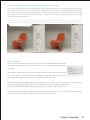
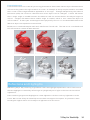
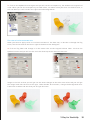
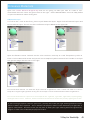
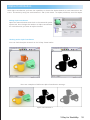
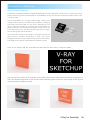
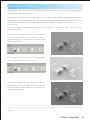
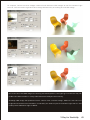
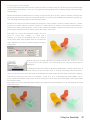
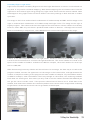
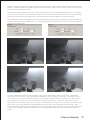
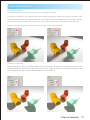
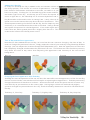
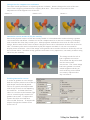
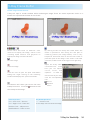
Open file Chairs-Original.skp. There are 3 chairs and a very large floor in the file. All objects are
not assigned to any material and there is no light in the scene as well. Please click the blue render
icon from above directly and you will get this gray tone image without changing any setting in the
V-Ray Options.
V-Ray for SketchUp
14