Download USER MANUAL - Smart Access Ltd
Transcript
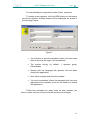
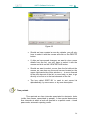
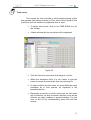
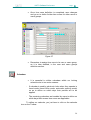
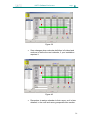
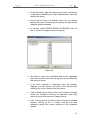
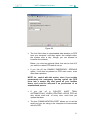
SALTO Software Pro Access Page: 10 You will probably be required to create further operators. To create a new operator, click the NEW button on the bottom part of the window. A blank window will be displayed, as shown in the following Figure: Figure 7 • You will have to write the operator's name, his user name (that is stored at the login), and a password. • The system brings, by default, 1 operator group: Administrator. • Specify also the language this operator will use when running the application. • Next, save changes and close the window. • You must immediately inform the password you have just registered to the operator, since he will need it to access the application. Follow this procedure as many times as new operator you want to create, and you will see how the operator list enlarges. 10