1
SALTO Software Pro Access
Page: 64
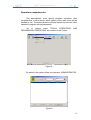
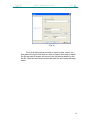
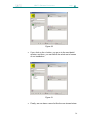
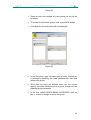
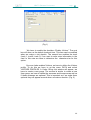
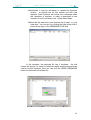
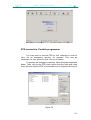
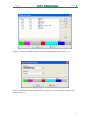
(Fig 1)
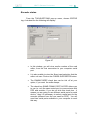
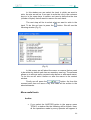
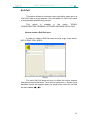
We have to enable the checkbox “Enable Visitors”. The next
box will show us the default checkout time. This time can be modified
when we make a visit checkin. The second box enables the track
(track 1, track2, track 3) if we want to write extra information in the
card. In this case we have to determine the character size for this
option.
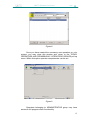
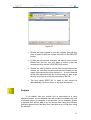
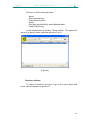
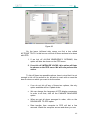
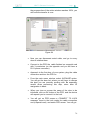
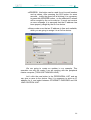
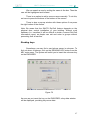
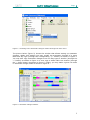
Once we habe enabled Visitors, we have to define the Visitors
profile. To do this we have to go the menu DATA and select
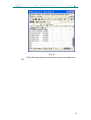
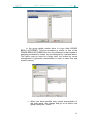
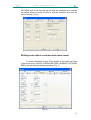
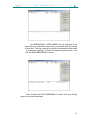
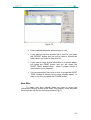
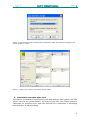
VISITORS PROFILES. A Visitor Group List window will appear, we
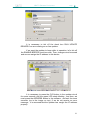
have to create a new group. The method is similar to create a new
User group, we have to define the accesses and timezones as well as
if these accesses are optional. This is important as if we make them
optional they will appear as such when we make a checkin. (Fig. 2)
64