1
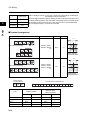
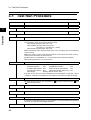
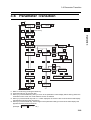
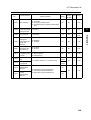
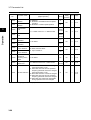
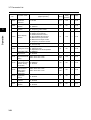
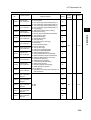
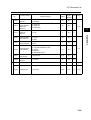
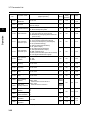
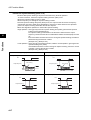
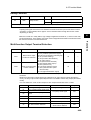
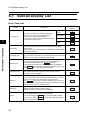
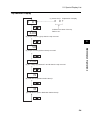
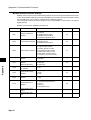
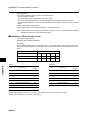
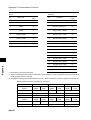
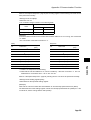
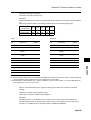
3-4 Operation Procedure (Example: Factory Default)
3-4 Operation Procedure (Example:
Factory Default)
3
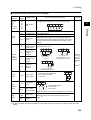
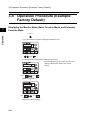
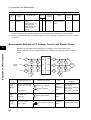
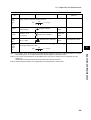
Displaying the Monitor Mode, Basic Function Mode, and Extended
Function Mode
Operation
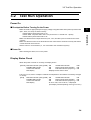
Power On
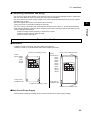
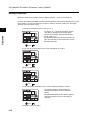
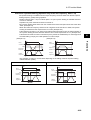
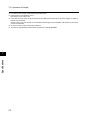
1. The data of the set monitor is displayed. (Default is "0.0")
0.0
Press
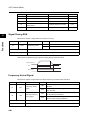
2. The code of the monitor mode is displayed (as "d001").
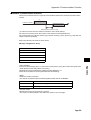
•Press the Mode key once to return from the code
display of the monitor mode to the monitor
display.
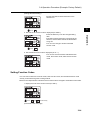
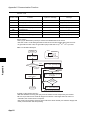
dk0k0k1
Press
Press
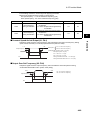
("d002" is displayed.)
dk0k0k2
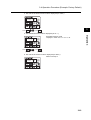
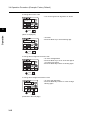
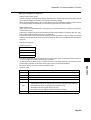
Press
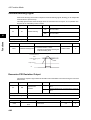
(13 times)
Press
(13 times)
(Continued to the next page)
3-11