Download manual - Copy
Transcript
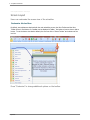
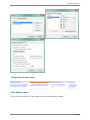
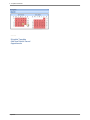
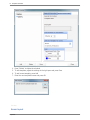
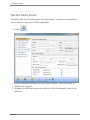
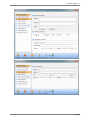
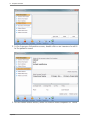
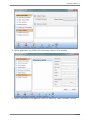
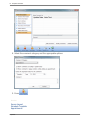
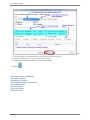
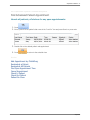
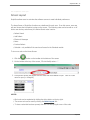
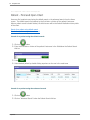
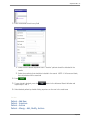
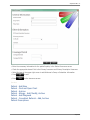
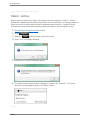
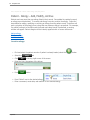
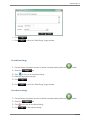
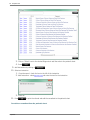
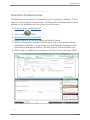
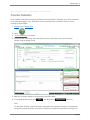
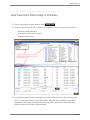
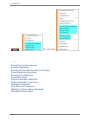
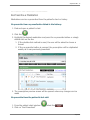
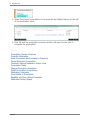
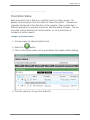
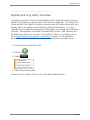
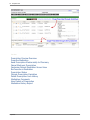
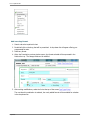
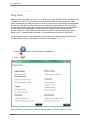
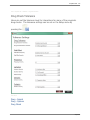
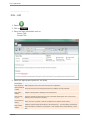
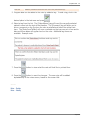
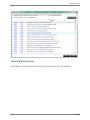
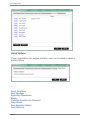
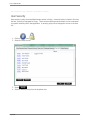
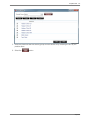
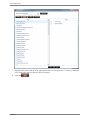
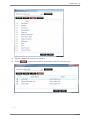
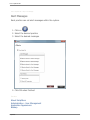
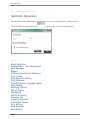
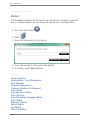
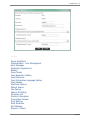
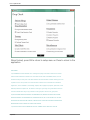
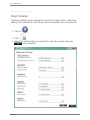
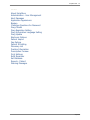
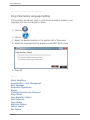
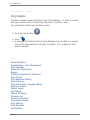
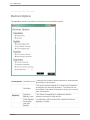
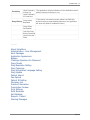
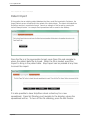
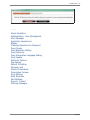
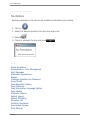
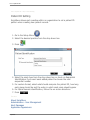
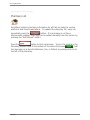
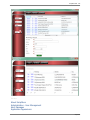
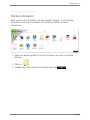
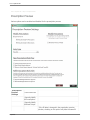
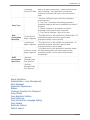
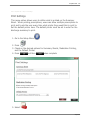
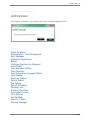
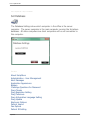
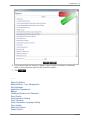
ScriptSure eRx . 165 Home > ScriptSure eRx > Setup > Drug Checks Drug Checks Within the setup menu each user can turn on or off the drugs checks that will be performed when a drug is prescribed. As many as 12 drug checks can be performed for each drug when prescribed. These checks are automatic, provided the function is turned on, and works by cross-checking the drug selected for prescribing with the information within the First Databank® medical database. All drug checking (except drug formulary checks) are provided through the drug and clinical information provided within the First Databank® drug database. As delivered, only the allergy and drug-todrug interaction selections are active. These settings are user-specific so that each user can have different checks turned on/off. To activate certain drug checks, go to the setup menu and click on Drug Checks. For a complete description of each drug check, go to Medication -> Drug Check. On the drug search screen, drug checks alerts will be represented by placing the drug name in small font and printing the type of check after the drug name. For example: drugname - Allergy 1. Click the button in the lower right of the application 2. Press ScriptSure