1
36 . ScriptSure eRx
Home > ScriptSure eRx > Login eRx
Login eRx
Launching ScriptSure
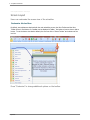
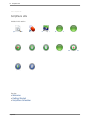
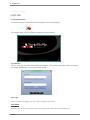
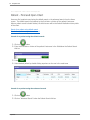
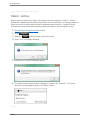
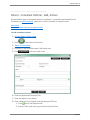
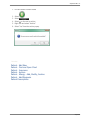
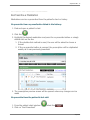
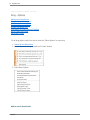
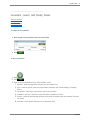
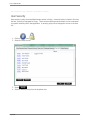
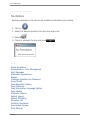
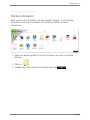
To launch the program, double-left click the ScriptSure Icon from the desktop.
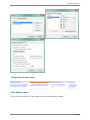
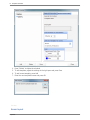
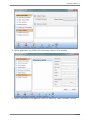
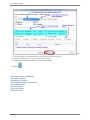
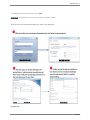
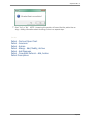
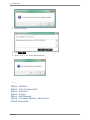
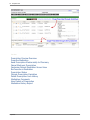
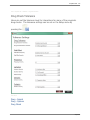
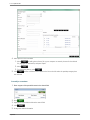
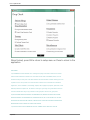
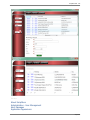
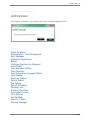
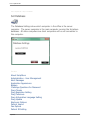
The program splash screen will appear followed by the Login Window.
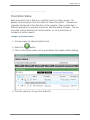
Login Window
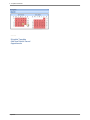
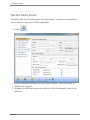
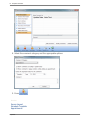
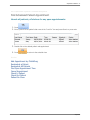
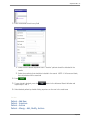
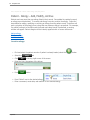
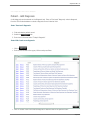
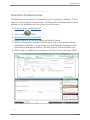
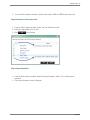
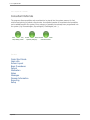
To Login, each user must enter a User Name and Password. This username and login is either provided by
your system administrator or Daw Systems staff directly.
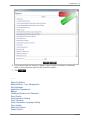
User Login
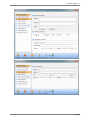
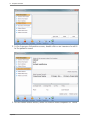
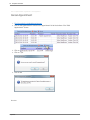
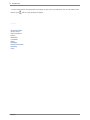
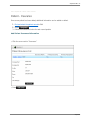
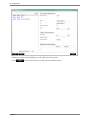
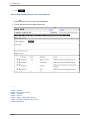
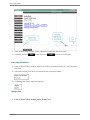
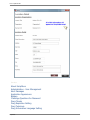
If this is your first time logging in, you will need to complete setup options:
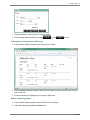
User Name:
By default, User Name is the first letter of your first name and your entire last name (all lowercase).
ScriptSure