1
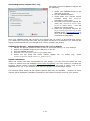
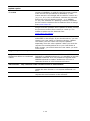
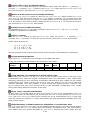
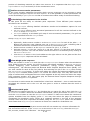
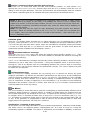
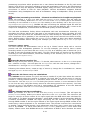
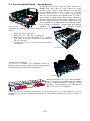
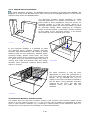
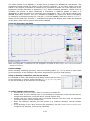
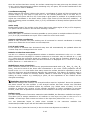
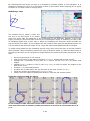
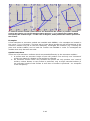
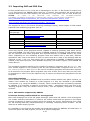
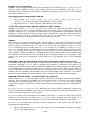
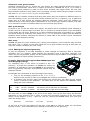
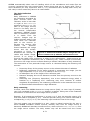
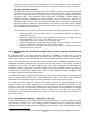
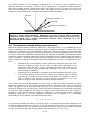
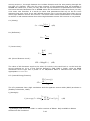
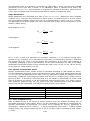
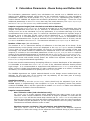
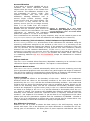
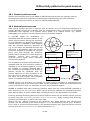
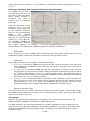
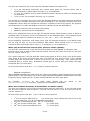
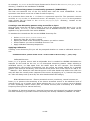
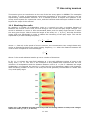
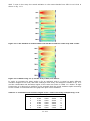
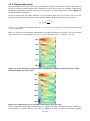
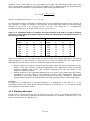
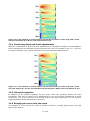
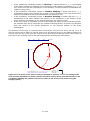
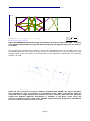
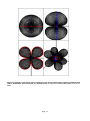
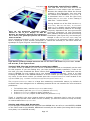
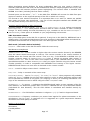
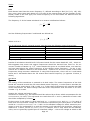
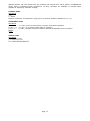
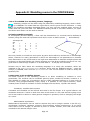
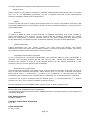
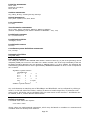
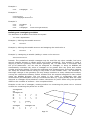
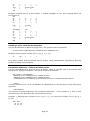
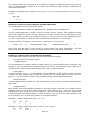
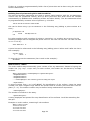
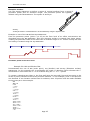
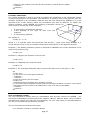
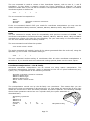
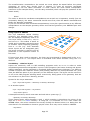
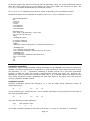
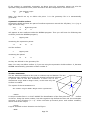
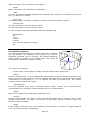
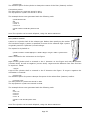
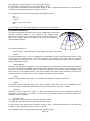
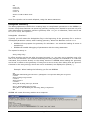
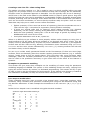
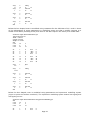
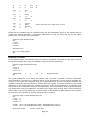
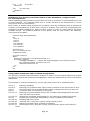
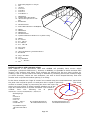
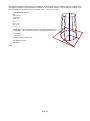
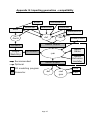
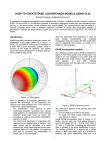
Viewing the sample files in ODEON The XML files are text files and can be viewed in a text editor such as ODEONEdit. Because the sample files follow the format outlined in this description, they may also be viewed in the ODEON Array Source Editor. It is described how to view the files from within the Array Source Editor in the “Testing if XML files…” section below. Having loaded one of the files into the Array Source Editor, the Near field balloon, Far field balloon and a 3D_Direct display can be studied. Note that these directivity patterns are strongly frequency dependent and have pronounced Figur E4 The Quadropol directivity pattern viewed in the 3D_Direct display at 500 Hz. symmetry properties; At high frequencies Because the distances between the transducers their patterns break down and show strong are 1 metre, the Quadropol pattern has broken fluctuations (see figure E4), and viewing an down at 500 Hz. Octopol in the Near field balloon display may not prove interesting because it will never radiate any energy in its symmetry planes, which is what is displayed in this window (horizontal or vertical as selected) on the other hand the Quadropol in figure E5 gives a meaningful display . Figur E5 The Quadropol sample viewed in the left at 63 Hz, to the right at 4 kHz. Near filed balloon tab in the Array source editor. To the Testing if XML files can be imported correctly into ODEON The demo version of ODEON (or a full version of ODEON Auditorium or Combined) can be used for this purpose. If you are reading this, you have probably already installed it, if this is not the case, you may download the demo version from www.Odeon.dk. To model and view the array in ODEON you only need to use a very limited number of features – there is no need knowing all features in the ODEON software. In a full version you may import your array into any room. In the demo version you should open the ArraySpeakerTestRoom.Par room located in the AppendixD folder (e.g. C:\ODEON11Combined\Rooms\AppendixD\ArraySpeakerTestRoom.Par). The ArraySpeakerTestRoom.par room is a large box measuring 100x100x20 metres, by default all surfaces have been assigned 100 % absorbing material as its not intended for room acoustics predictions: To load this room, use the File|Open Room menu entry. Once loaded, open the Source receiver list (shortcut Shift+Ctrl+S) In the Source receiver list, define an array (shortcut A) In the Array source editor, import a XML array file (shortcut Ctrl+O) That’s it. Hopefully the array imports without problems, otherwise load it into the ODEONEdit editor to study the XML code. When the file is loaded, you have the chance to study the array in various tabs of the Array source editor. Viewing and editing XML documents If your program writes data to be imported into ODEON then we refer to it as WRITER, ODEON on the other hand is the READER. ODEON will normally be the reader (but being able to export array data, it is a WRITER as well). App-12