1
Tool Reference
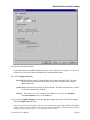
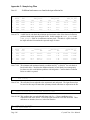
represents a number, padded on the right with 0s. All image numbers in
a scan must have the same number of digits (i.e., if there are 1000
images in the scan, then the first image number is denoted by 0001).
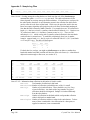
The previously collected images must be on a disk accessible by the
framegrabber PC. The minimum number of digits in the image number
depends on the version of MSCServDetCCD_Simulator.exe, not
MSCServCCDCamera_Simulator.exe. In versions earlier than
3.0.0, the minimum number of digits in the image number is three (3)
(i.e., image 1 is denoted by 001), unless the largest image number in the
scan would require more than three (3) digits as described above. In
versions 3.0.0 and later, the minimum number of digits in the image
number is four (4), unless specified otherwise by the
MinimumScanTemplate keyword in
MSCServDetCCD.configuration.
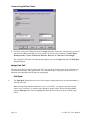
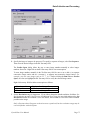
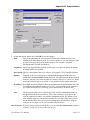
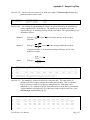
SimulatorMode = realtime | immediate
This option indicates if the simulator will mimic real time when
simulating exposures. If the value is realtime, then the exposures will
take real time to finish (e.g., a 30 second simulator exposure will take
30 seconds to finish). If the value is immediate, then the exposures will
finish immediately.
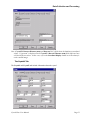
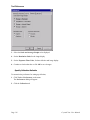
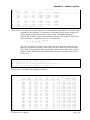
Specify User Preferences
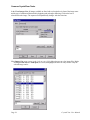
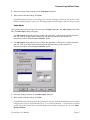
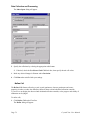
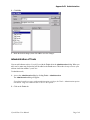
To customize other user preferences,
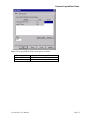
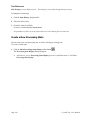
1. Click Tools > Preferences on the menu.
The Preferences dialog will appear.
2. Click the General tab.
CrystalClear User Manual
Page 115