1
CHAPTER 2 - MAIN MENU
2
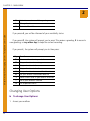
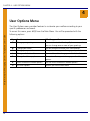
2. From the Main Menu, press U (8).
See User Options Menu on page 36 for information on the User Options Menu.
Mitel 6510 GUIDE NAME
Mitel Networks Messaging Server - Telephone User Guide
Accessing Other Message Folders
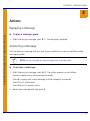
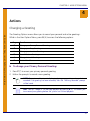
To access other message folders:
1. Access your mailbox.
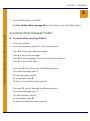
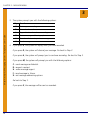
2. From the Main Menu, press F (5). The system responds:
’Press D to access your deleted messages.’
’Press S to access sent messages.’
’Press O to access messages in outbox awaiting future delivery.’
’Press X to exit to Main Menu.’
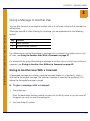
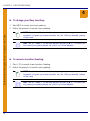
If you press D, you will be given the following options:
’For unread messages, press 1.’
’For read messages, press 2.’
For all messages, press 9.’
’To return to the previous menu, press #’
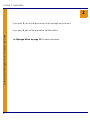
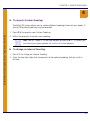
If you press S, you will be given the following options:
’For unread messages, press 1.’
’For read messages, press 2.’
For all messages, press 9.’
’To return to the previous menu, press #’
21