1
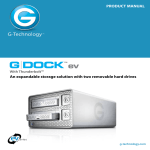
G DOCK ev™
Table of Contents
Table of Contents
with Thunderbolt™
Welcome to Evolution Series
Table of Contents
Safety & General Use................................3
Safety Precautions.............................................4
Backup Your Data..............................................5
About Your Evolution Series....................6
Introduction........................................................7
What’s in the Box ..............................................8
System Requirements...................................... 8
Overview of G-DOCK ev Storage System
About the G-DOCK ev Storage System....10
Overview of G-Dock ev TB............................11
G-DOCK ev Indicator LEDs...........................12
Using Your G-DOCK ev
G-Technology Assistant Utility ...................24
G-Technology Assistant Menu....................25
G-Technology Assistant Notifications......27
Use with Time Machine™..............................28
Configuring with Disk Utility
Supported Media Configurations..............31
Set Up as JBOD.................................................31
About RAID Sets...............................................31
Set Up in RAID 0 Mode..................................32
Delete RAID 0 Configuration.......................35
Set Up in RAID 1 Mode..................................36
Delete RAID 1 Configuration.......................39
Overview of G-DRIVE ev
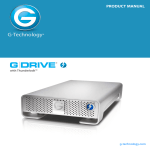
About G-DRIVE ev ...........................................15
G-DRIVE ev Activity Lights............................17
Maintenance for Your Drive
Initialize Drive for Mac ..................................41
Restore the Dock Icon....................................44
Reformat with Partitions...............................46
Getting Started
Unpack and Setup ..........................................19
Power On the System.....................................20
Disconnect the Dock ....................................22
Support & Warranty
Technical Support...........................................51
Limited Warranty.............................................52
Copyright............................................................54
p.2