1
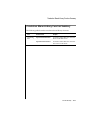
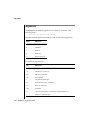
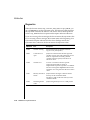
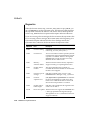
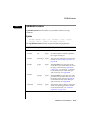
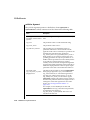
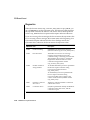
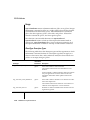
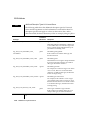
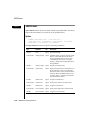
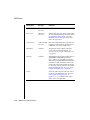
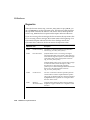
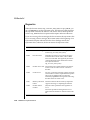
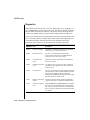
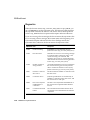
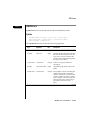
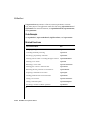
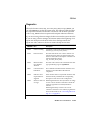
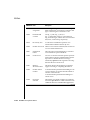
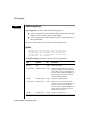
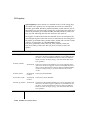
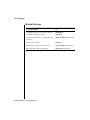
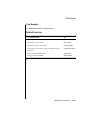
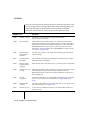
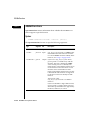
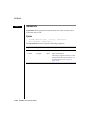
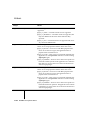
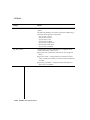
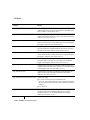
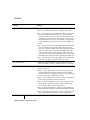
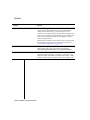
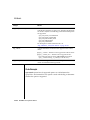
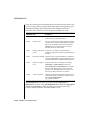
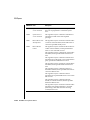
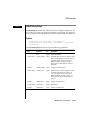
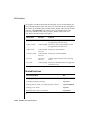
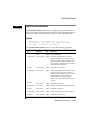
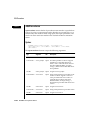
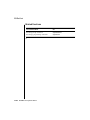
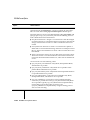
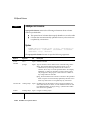
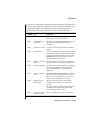
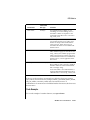
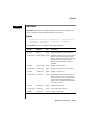
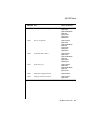
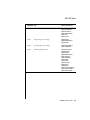
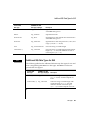
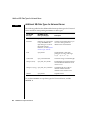
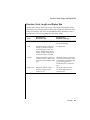
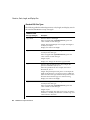
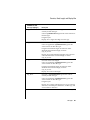
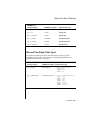
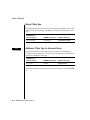
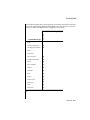
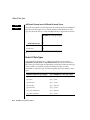
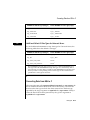
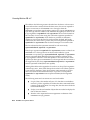
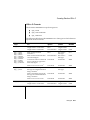
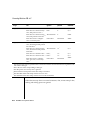
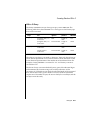
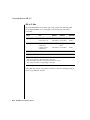
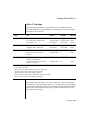
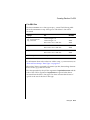
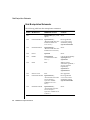
SQLSetStmtOption
fOption
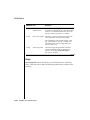
vParam Contents
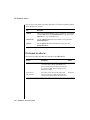
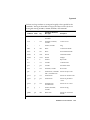
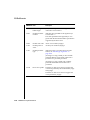
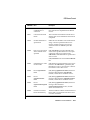
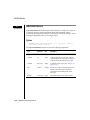
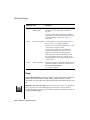
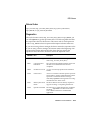
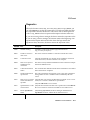
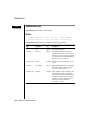
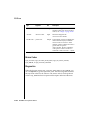
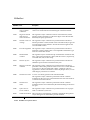
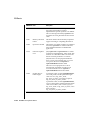
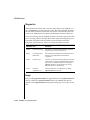
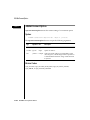
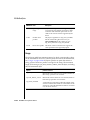
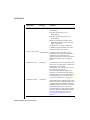
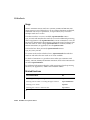
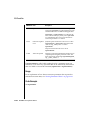
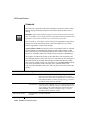
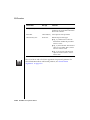
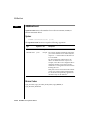
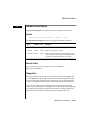
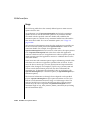
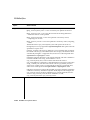
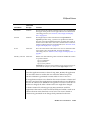
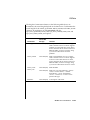
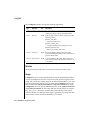
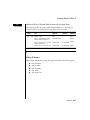
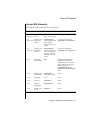
SQL_MAX_ROWS
A 32-bit integer value corresponding to the maximum number of rows to return to
the application for a SELECT statement. If vParam equals 0 (the default), then the
driver returns all rows.
This option is intended to reduce network traffic. Conceptually, it is applied when
the result set is created and limits the result set to the first vParam rows.
If the specified number of rows exceeds the number of rows that the data source
can return, the driver substitutes that value and returns SQLSTATE 01S02 (Option
value changed).
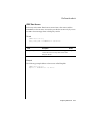
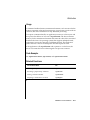
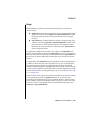
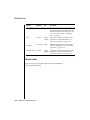
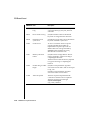
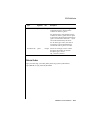
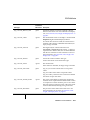
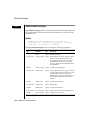
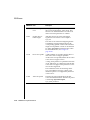
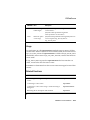
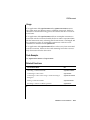
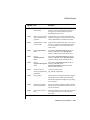
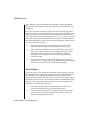
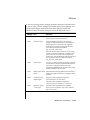
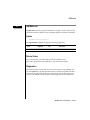
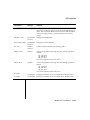
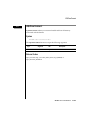
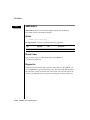
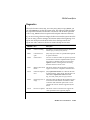
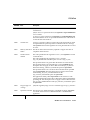
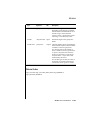
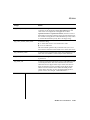
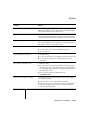
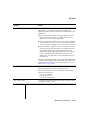
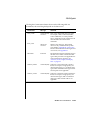
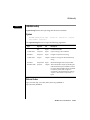
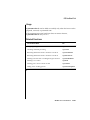
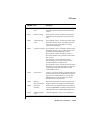
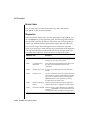
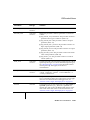
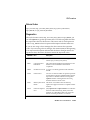
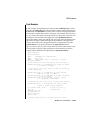
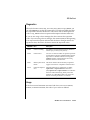
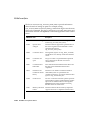
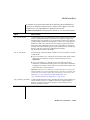
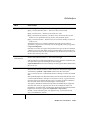
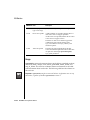
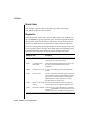
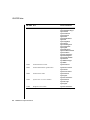
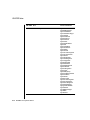
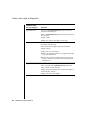
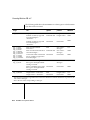
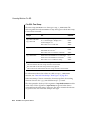
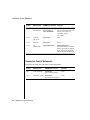
SQL_NOSCAN
A 32-bit integer value that specifies whether the driver does not scan SQL strings
for escape clauses:
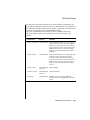
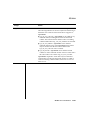
■
SQL_NOSCAN_OFF = The driver scans SQL strings for escape clauses (the
default).
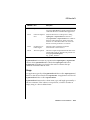
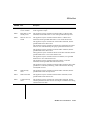
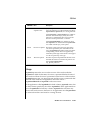
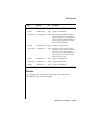
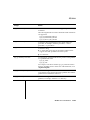
■
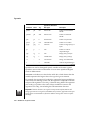
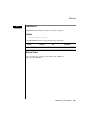
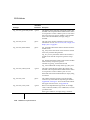
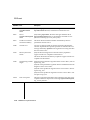
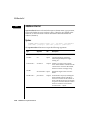
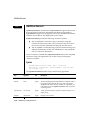
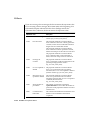
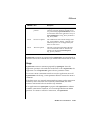
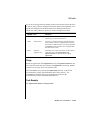
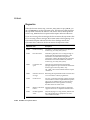
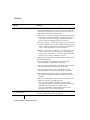
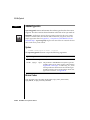
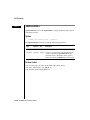
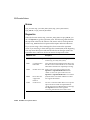
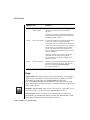
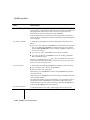
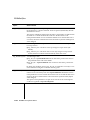
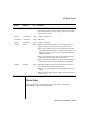
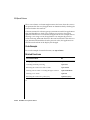
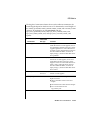
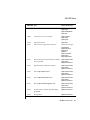
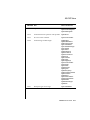
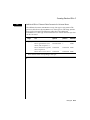
SQL_RETRIEVE_DATA
SQL_NOSCAN_ON = The driver does not scan SQL strings for escape clauses.
Instead, the driver sends the statement directly to the data source.
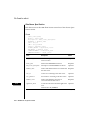
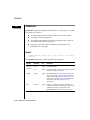
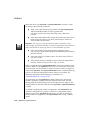
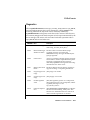
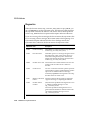
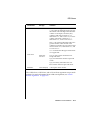
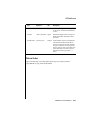
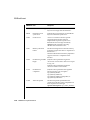
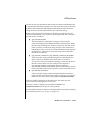
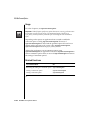
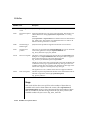
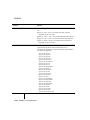
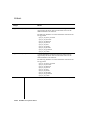
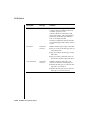
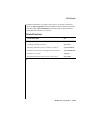
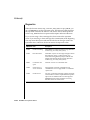
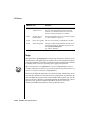
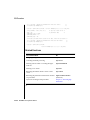
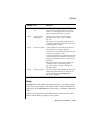
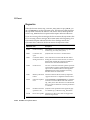
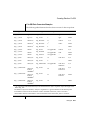
A 32-bit integer value:
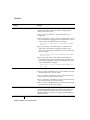
■
SQL_RD_ON = SQLExtendedFetch retrieves data after it positions the cursor to
the specified location. This is the default.
■
SQL_RD_OFF = SQLExtendedFetch does not retrieve data after it positions the
cursor.
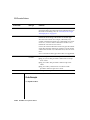
By setting SQL_RETRIEVE_DATA to SQL_RD_OFF, an application can verify if a row
exists without incurring the overhead of retrieving rows.
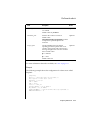
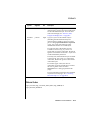
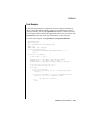
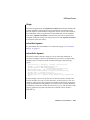
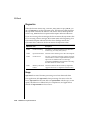
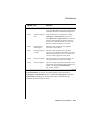
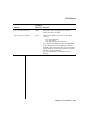
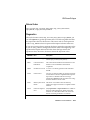
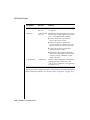
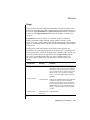
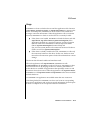
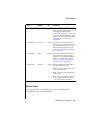
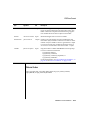
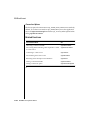
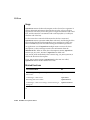
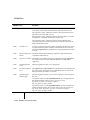
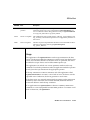
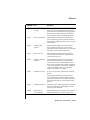
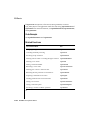
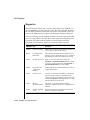
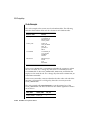
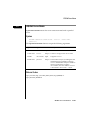
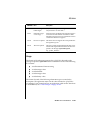
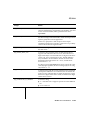
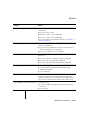
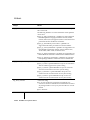
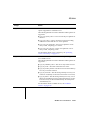
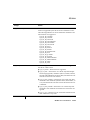
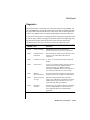
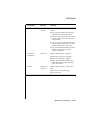
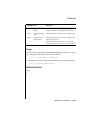
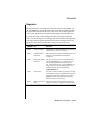
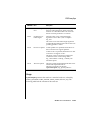
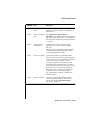
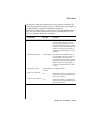
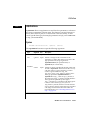
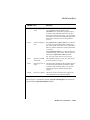
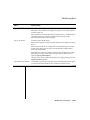
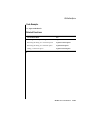
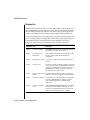
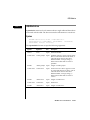
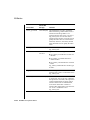
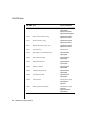
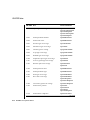
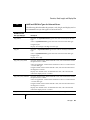
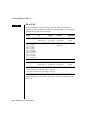
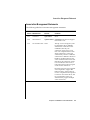
SQL_ROWSET_SIZE
A 32-bit integer value that specifies the number of rows in the row set. This is the
number of rows returned by each call to SQLExtendedFetch. The default value is 1.
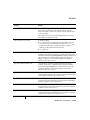
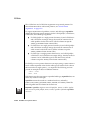
If the specified row set size exceeds the maximum row set size that the data source
supports, the driver substitutes that value and returns SQLSTATE 01S02 (Option
value changed).
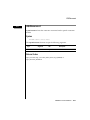
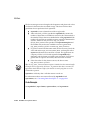
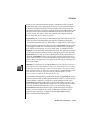
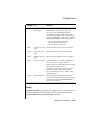
This option can be specified for an open cursor and can also be set through the
crowRowset argument in SQLSetScrollOptions.
(4 of 4)
12-302
INFORMIX-CLI Programmer’s Manual