1
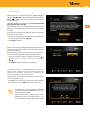
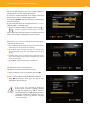
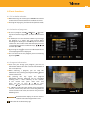
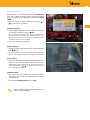
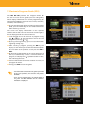
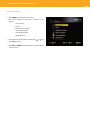
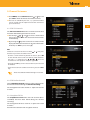
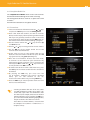
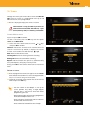
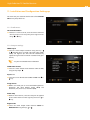
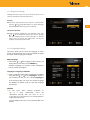
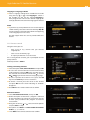
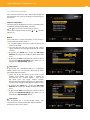
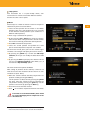
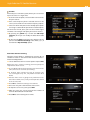
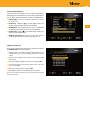
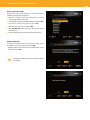
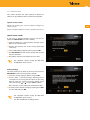
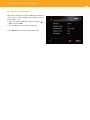
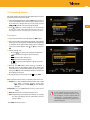
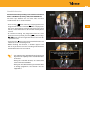
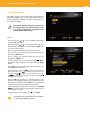
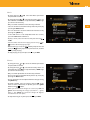
21 11.3. Regional Settings Through this menu you can select the zone where is the receiver and how to select the time zone. Country Select the country where the receiver is installed with or . Available options are: Spain, Portugal, the keys United Kingdom, Germany, France and Italy. Timezone selection: Select between “Automatic” and “Manual” with keys or . In the Automatic option, the receiver displays the time supplied by the service provider. In Manual mode you can change the offset time sent by the supplier and adapt it to local time. 11.4. Language Settings This menu allows you to select the language in which menus are displayed on the screen, the default language for audio, and the language for subtitles. Menu language or the language in which menus are Select with displayed onscreen after press the MENU key. A vailable languages are: Spanish, Italian, Portuguese, French, German and English. Language 1/ Language 2 Subtitles S elect a language among those available for the subtitle or . If the language 1 chosen is using the keys not available, we will use the selected language 2. If the program does not have the desired language for subtitles, by default it will use the first language transmitted. Subtitles If you have either hearing problems or are in a noisy environment, select the ‘diminished hearing’ with the keys A or B. In this way on-screen text lines are narrating what is happening in the scene. T his will happen when the service provider offers this feature. EN