1
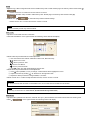
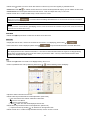
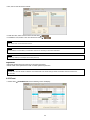
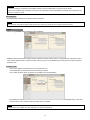
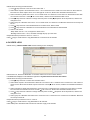
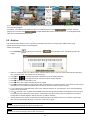
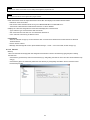
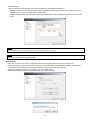
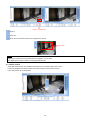
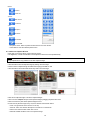
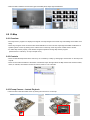
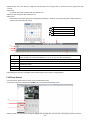
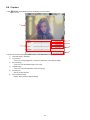
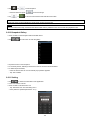
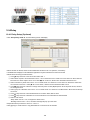
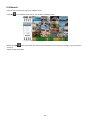
Input the pattern of dummy data to Discard Pattern like ‘[3D’ on the picture. Choose the data which willing to display and enter the Start Pattern and End Pattern. Check or uncheck the ‘Auto’ box to see the differences. Depending on models of POS/Cash Register machines, it may give a better result or not. A user may need to repeat the processes to get the best result. Sometimes, checking the recorded data and pause the playback would be easier to verify. 132